






















In 2026, note-taking is no longer just about writing down ideas. The best productivity apps now help people capture thoughts quickly, organize projects, manage tasks, scan information, collaborate, and retrieve details instantly across devices. Google Keep, Notion, and Apple Notes remain three of the most popular options, but each serves a very different kind of user.
TLDR: Google Keep is best for fast, lightweight notes and simple reminders. Apple Notes is the strongest choice for Apple users who want reliable everyday notes, privacy, and seamless device syncing. Notion is the most powerful option for structured productivity, databases, project planning, and team workspaces, though it is slower for quick capture.
Quick Overview: Three Apps, Three Different Philosophies
Although Google Keep, Notion, and Apple Notes can all store notes, they are built around different ideas. Google Keep focuses on speed and simplicity. It feels like a digital wall of sticky notes, making it ideal for shopping lists, reminders, voice notes, and short thoughts.
Apple Notes sits in the middle. It is simple enough for everyday notes but powerful enough for folders, tags, scanned documents, checklists, attachments, and collaboration. For anyone using an iPhone, iPad, or Mac, it is often the most convenient default choice.
Notion is closer to a productivity operating system. It combines notes, databases, pages, task boards, calendars, templates, wikis, and collaboration features. It can replace several tools at once, but it requires more setup and more intentional organization.
Google Keep in 2026: Best for Fast Capture
Google Keep remains one of the quickest note-taking apps available. It opens fast, supports colorful notes, labels, pinned notes, checkboxes, drawings, voice memos, and image notes. Its biggest strength is that it removes friction. A person can open it, type a reminder, dictate a thought, or create a checklist in seconds.
For daily life, Google Keep performs extremely well. Grocery lists, parking locations, quick meeting reminders, recipe ideas, travel packing lists, and random thoughts all fit naturally into its card-based layout. Notes can be color-coded, labeled, archived, and searched. It also integrates with the Google ecosystem, especially Google Docs, Gmail, Google Assistant, and Android devices.
However, Keep is not ideal for complex organization. It has labels, but it does not offer deep folder structures, advanced formatting, databases, or robust project management tools. Long notes can feel cramped, and users who manage large knowledge systems may quickly outgrow it.
Best for: quick notes, simple lists, reminders, Android users, Google Workspace users, and people who prefer minimal organization.
Weakness: limited formatting and poor support for complex workflows.
Apple Notes in 2026: Best Everyday Notes App for Apple Users
Apple Notes has grown into a surprisingly capable productivity tool. It is deeply integrated into iOS, iPadOS, macOS, and iCloud, which makes it highly convenient for Apple users. A note can be started on an iPhone, edited on a Mac, marked up on an iPad, and accessed later through iCloud.
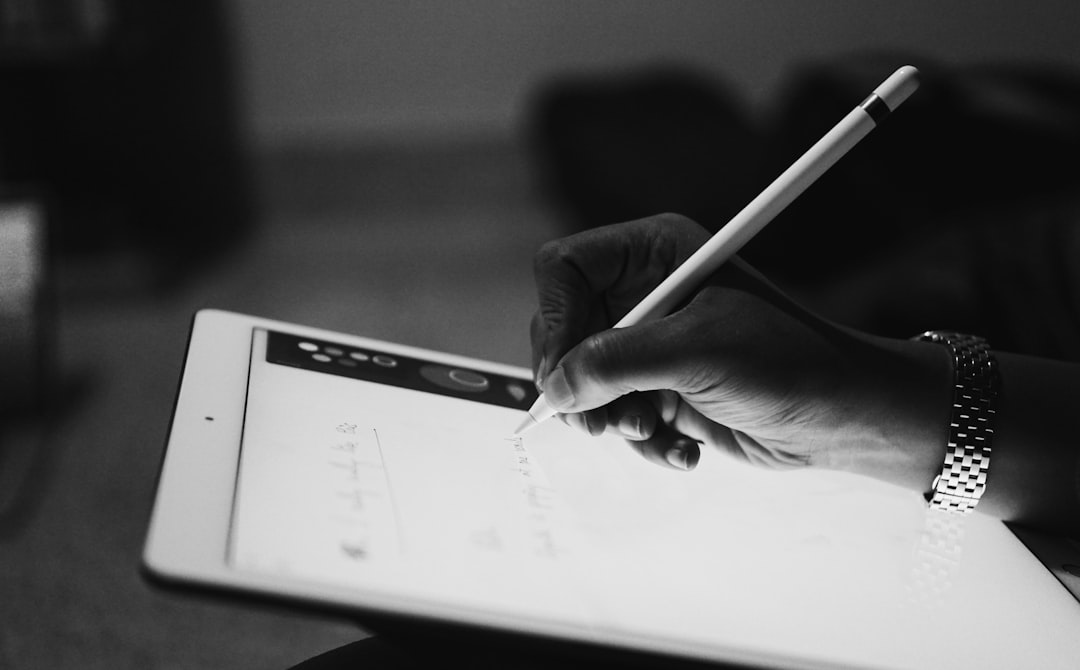
The app supports folders, smart folders, tags, pinned notes, checklists, tables, attachments, scanned documents, sketches, handwritten notes, and note sharing. It also works well with Apple Pencil, making it especially useful for students, designers, researchers, and professionals who combine typed notes with handwritten annotations.
Another major advantage is privacy. Apple Notes benefits from Apple’s broader privacy-focused ecosystem, and locked notes can be protected with device authentication. For users who store personal information, journals, medical notes, financial reminders, or private planning documents, this matters.
Apple Notes is also very good at “just working.” It does not require templates, databases, dashboards, or workspace design. A user can simply create folders, write notes, scan papers, and search later. Its search is strong, including recognition of text in images and scanned documents.
Still, Apple Notes has limits. It is not ideal for advanced project management, relational databases, or complex team collaboration. It also works best only inside the Apple ecosystem. Windows and Android users may find access through iCloud less convenient than native apps.
Best for: iPhone, iPad, and Mac users who want reliable notes, document scanning, private storage, and straightforward organization.
Weakness: less flexible outside the Apple ecosystem and not built for advanced productivity systems.
Notion in 2026: Best for Structured Productivity
Notion is the most powerful of the three apps, but also the most demanding. It is not merely a notes app; it is a modular workspace. Users can create pages, subpages, databases, kanban boards, calendars, task trackers, habit logs, content calendars, meeting notes, team wikis, personal dashboards, and knowledge bases.
In 2026, Notion remains especially popular among startups, creators, students, project managers, and productivity enthusiasts. Its greatest feature is flexibility. A person can build a simple notebook or a complete life management system. Teams can use it to document processes, assign work, organize research, and centralize company knowledge.
Notion’s databases are its standout feature. Notes can be sorted by status, due date, project, tag, owner, priority, or custom property. This makes it far more powerful than Google Keep or Apple Notes for people who need structured information. Instead of a list of disconnected notes, Notion can turn information into a linked system.
Its template ecosystem is another advantage. Users can start with prebuilt systems for goals, tasks, reading lists, budgets, client portals, editorial calendars, travel planning, and meeting notes. This makes Notion highly adaptable, though it can also lead to overcomplication.
The main drawback is speed. For quick capture, Notion is often slower than Google Keep or Apple Notes. Opening the app, choosing the right page, and placing information in the correct database can create friction. Offline performance and simplicity may also be concerns for users who only need basic notes.
Best for: structured productivity, project planning, knowledge management, team collaboration, databases, and custom workspaces.
Weakness: slower for quick notes and more complex than many people need.
Quick Notes: Which App Wins?
For instant capture, Google Keep usually wins. Its lightweight design makes it ideal when a thought needs to be saved immediately. Apple Notes is close behind, especially on iPhone, where a note can be created quickly from the lock screen, Control Center, Siri, or the Share Sheet.
Notion is the weakest for quick capture unless the user has built a streamlined inbox system. It can work well with a dedicated “Quick Capture” page, but it still feels more structured and less spontaneous than Keep or Apple Notes.
- Winner for speed: Google Keep
- Best Apple alternative: Apple Notes
- Best after setup: Notion
Tasks and To-Do Lists: Which App Works Best?
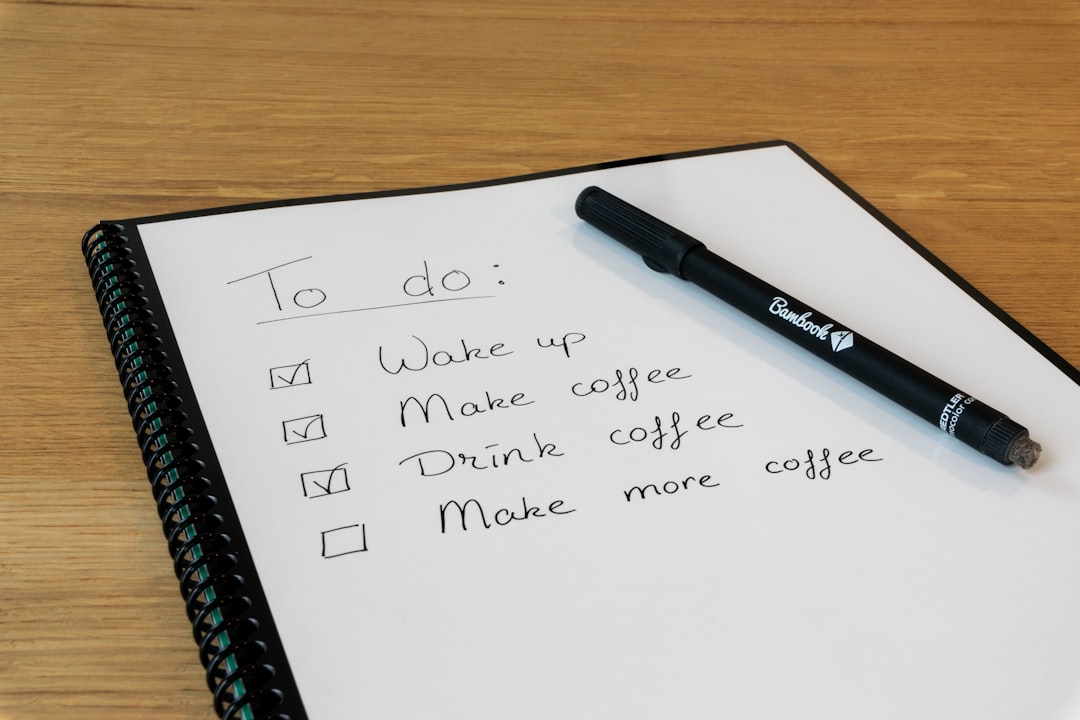
Google Keep handles basic checklists very well. It is excellent for errands, shopping, and short personal task lists. Location-based and time-based reminders make it useful for daily life, especially for Android users.
Apple Notes also supports checklists, and it pairs well with Apple Reminders. However, Apple Notes itself is not a full task management system. It is better for task lists inside broader notes, such as meeting agendas or trip plans.
Notion is the strongest for advanced task management. It can support task databases, status boards, project timelines, recurring workflows, priorities, due dates, and team assignments. For serious productivity systems, Notion has the advantage.
- Simple tasks: Google Keep
- Personal Apple workflows: Apple Notes with Apple Reminders
- Project tasks: Notion
Organization and Search
Apple Notes offers a strong balance of organization and simplicity. Folders, smart folders, tags, pinned notes, and powerful search make it easy to manage a large note library without much setup.
Google Keep uses labels, colors, pins, and search. This is enough for casual use, but not for deep organization. Notes can become visually cluttered if hundreds of cards accumulate.
Notion provides the deepest organization. Pages can be nested, linked, filtered, and displayed in different views. It is the best option for people who think in systems, but it may feel excessive for those who simply want to save notes and move on.
Collaboration and Sharing
Notion is the clear leader for collaboration. It supports shared workspaces, permissions, comments, mentions, team documentation, and collaborative databases. It is suitable for businesses, classrooms, agencies, and creator teams.
Google Keep allows note sharing, which is useful for shared grocery lists, household tasks, or quick planning. However, collaboration features are basic.
Apple Notes also supports shared notes and folders. It works well for families, couples, small groups, and Apple-based teams, but it is not as advanced as Notion for workplace collaboration.
Pricing and Value in 2026
Google Keep is free and offers excellent value for basic note-taking. Apple Notes is also free with Apple devices and iCloud storage, though heavy users may need paid iCloud space. Notion has a free plan that is strong for individuals, with paid plans for advanced collaboration, teams, and larger workspaces.
For cost-conscious users, Google Keep and Apple Notes are difficult to beat. For users who can gain real productivity value from databases, templates, and team knowledge systems, Notion’s paid plans may be worthwhile.
Final Verdict: Which App Is Best?
The best app depends on the user’s workflow. Google Keep is the best choice for quick notes, simple reminders, and lightweight checklists. It is ideal when speed matters more than structure.
Apple Notes is the best all-around notes app for people inside the Apple ecosystem. It balances speed, organization, privacy, scanning, handwriting, and everyday usability better than most general-purpose note apps.
Notion is the best productivity platform for users who want to build a complete system. It is the right choice for structured projects, databases, dashboards, documentation, and collaboration, but it may be too heavy for simple note-taking.
In 2026, there is no single winner for everyone. The smartest choice is based on how notes are captured and used. For quick thoughts, Keep is excellent. For daily personal notes, Apple Notes is hard to beat. For organized productivity and long-term knowledge management, Notion stands above the rest.
FAQ
Which app is best for quick notes in 2026?
Google Keep is generally best for quick notes because it is fast, simple, and designed for instant capture. Apple Notes is also excellent for Apple users.
Is Notion better than Apple Notes?
Notion is better for structured productivity, databases, and collaboration. Apple Notes is better for simple everyday notes, privacy, handwriting, scanning, and seamless Apple device integration.
Is Google Keep good for productivity?
Google Keep is good for lightweight productivity, such as reminders, checklists, ideas, and short notes. It is not ideal for complex task management or large knowledge systems.
Which app is best for students?
Apple Notes is excellent for students using iPad and Apple Pencil. Notion is better for students who want dashboards, class databases, assignment trackers, and organized study systems.
Which app is best for teams?
Notion is the best option for teams because it supports shared workspaces, documentation, project boards, comments, permissions, and collaborative databases.
Can these apps replace a dedicated task manager?
Google Keep and Apple Notes can replace a task manager for simple lists. Notion can handle more advanced task systems, but some users may still prefer a dedicated task app for reminders and recurring tasks.
Which app offers the best privacy?
Apple Notes is often the strongest choice for privacy-focused users within the Apple ecosystem, especially with locked notes and Apple’s device-level security features.









