





















Facebook remains one of the most widely used social platforms for staying connected with friends, family, communities, businesses, and public figures. For many people, typing fb.com or searching for “FBcom login” is a quick way to reach the Facebook sign-in page. Understanding how the login process works can help a user access an account faster, avoid common mistakes, and stay safer online.
TLDR: FBcom login usually refers to accessing Facebook through fb.com, which redirects to the official Facebook website. A user can sign in with an email address, phone number, or username, along with the correct password. If login problems occur, Facebook provides recovery tools for forgotten passwords, locked accounts, and security checks. For safety, users should always confirm that the website is legitimate before entering account details.
What “FBcom Login” Means
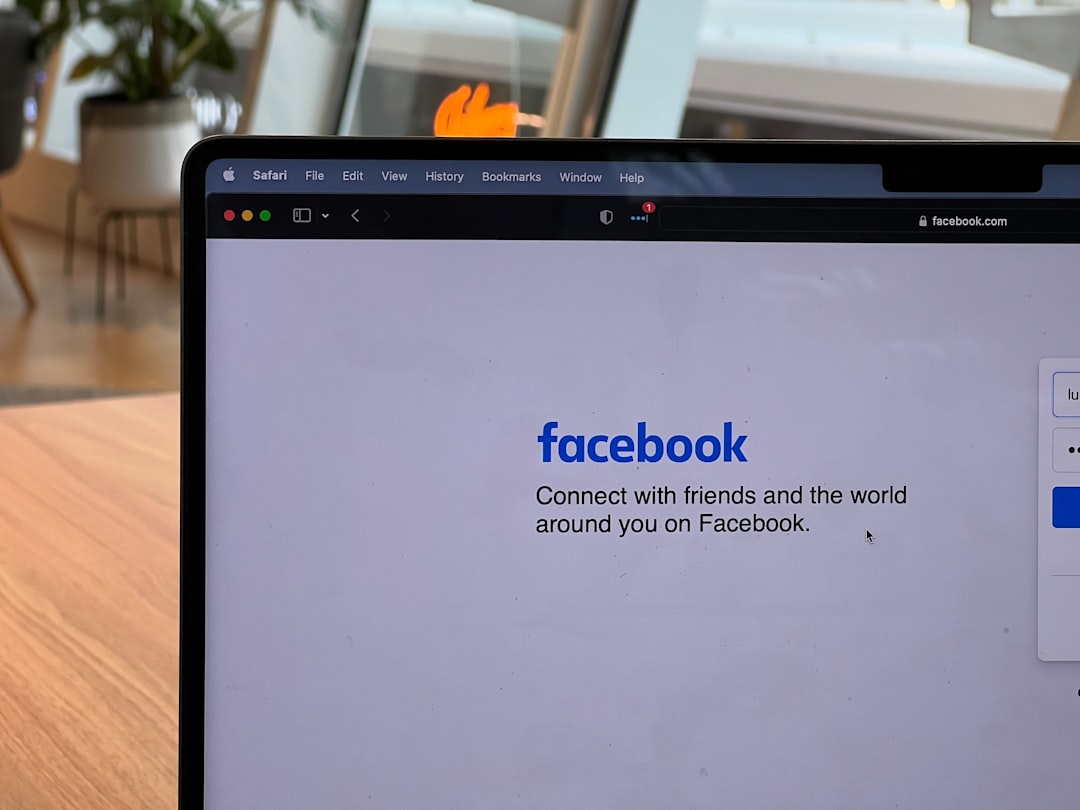
The phrase FBcom login is commonly used by people looking for a simple way to open Facebook. In most cases, it refers to typing fb.com into a browser instead of writing the full Facebook web address. The shorter domain typically redirects to the official Facebook site, where the login form appears.
This shortcut can be convenient, especially on mobile browsers or shared computers where typing long addresses is less practical. However, users should still pay attention to the address bar. The official Facebook login page should use a secure connection and display a recognizable Facebook domain. A secure page usually begins with https:// and may show a lock icon in the browser.
Because Facebook accounts often contain private messages, personal photos, business pages, payment details, and identity information, careful login habits are important. A simple mistake, such as entering credentials into a fake website, may expose an account to theft or misuse.
How to Access Facebook Using FB.com
Accessing Facebook through fb.com is straightforward. A user can follow a simple process from almost any modern device, including a desktop computer, laptop, tablet, or smartphone.
- Open a trusted browser: The user should open Chrome, Safari, Firefox, Edge, or another reliable browser.
- Enter the address: In the address bar, the user can type fb.com and press Enter.
- Check the destination: The browser should redirect to Facebook’s official website or show the Facebook login screen.
- Enter login details: The user can provide an email address, mobile number, or username, followed by the password.
- Select Log In: After entering the details, the user can click or tap the Log In button.
If the login information is correct, Facebook will open the account’s home feed. If the account has two-factor authentication enabled, Facebook may ask for an additional security code from a text message, authentication app, or approved device.
Facebook Login on Mobile Devices
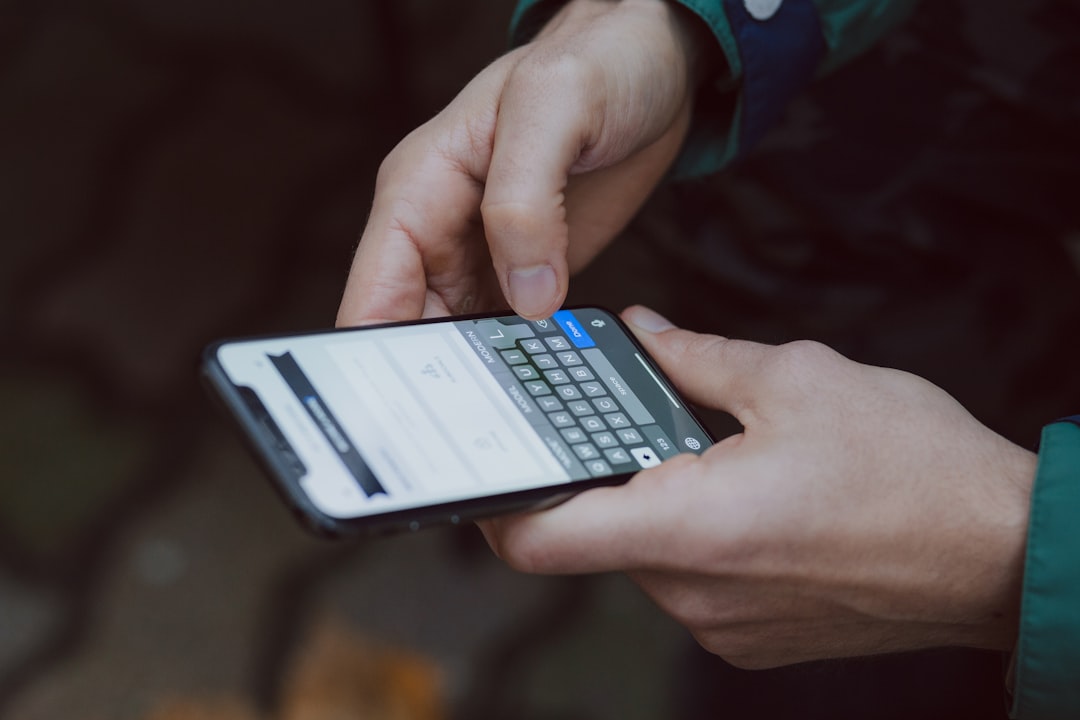
Many users access Facebook on mobile phones rather than desktop computers. There are two common ways to do this: through the Facebook mobile app or through a mobile browser. Both methods require the same basic login credentials.
The Facebook app can be installed from an official app store. Once opened, the app shows fields for the email address or phone number and password. After the first successful login, the app may keep the user signed in unless the user manually logs out or changes security settings.
For browser access, a user can open the phone’s browser and type fb.com. The site will usually load a mobile-friendly version of Facebook. This can be useful when the app is unavailable, when storage space is limited, or when the user prefers not to install additional applications.
Mobile users should avoid logging in through links received from unknown messages, suspicious emails, or unfamiliar websites. It is safer to open the browser or app directly and enter the address manually.
Logging In With Email, Phone Number, or Username
Facebook provides several ways to identify an account during login. A user may sign in with the email address connected to the account, the mobile number associated with the account, or in some cases, a username.
- Email address: This is often the most reliable option if the email is still active and accessible.
- Phone number: This is convenient for users who registered with a mobile number or added one later.
- Username: Some accounts have a custom username that may work for login, though many users rely on email or phone instead.
Passwords are case-sensitive, which means uppercase and lowercase letters must match exactly. If a password includes numbers, symbols, or spaces, those must also be entered accurately. A small typing error may cause a failed login attempt.
What to Do If the Password Is Forgotten
A forgotten password is one of the most common Facebook login problems. Fortunately, Facebook provides account recovery options through the login page. The user can select Forgot password? and follow the instructions.
Facebook may ask for an email address, phone number, full name, or username to locate the account. Once the account is found, Facebook may offer recovery methods, such as sending a code to the registered email address or mobile phone number.
After receiving the code, the user can enter it on Facebook and create a new password. A strong password should be unique and difficult to guess. It should not be reused from email, banking, shopping, or other social accounts.
Good password habits include:
- Using a mix of uppercase letters, lowercase letters, numbers, and symbols.
- Avoiding obvious information such as birthdays, names, or simple words.
- Creating a password that is not used on any other website.
- Saving passwords only in trusted password managers or secure devices.
Two-Factor Authentication and Login Security
Two-factor authentication, often called 2FA, adds an extra layer of protection to a Facebook account. When enabled, the account requires both the password and a second verification step. This makes it harder for someone else to access the account, even if the password is known.
Facebook may provide several 2FA methods, including codes sent by text message, authentication apps, or security keys. An authentication app is often considered more secure than text messages because it is less vulnerable to phone number theft or SIM swap attacks.
When a user logs in from a new device or browser, Facebook may ask for a confirmation code. If the code is entered correctly, the device may be recognized for future sessions. Users should avoid approving login requests they did not initiate.
If an unexpected security notification appears, the user should review account activity immediately. Facebook’s security settings usually show active sessions, recently used devices, and login locations. Unknown sessions should be logged out, and the password should be changed.
Common FBcom Login Problems
Although the FBcom login process is generally simple, several issues can prevent successful access. Some problems are caused by incorrect information, while others may involve browser settings, account restrictions, or temporary technical errors.
Incorrect Login Details
The most basic issue is entering the wrong email, phone number, or password. A user should check for typos, outdated email addresses, incorrect country codes, or extra spaces. Password managers can help, but they may also fill in old passwords if they have not been updated.
Account Locked or Disabled
Facebook may temporarily lock an account if suspicious activity is detected. This might happen after too many failed login attempts, unusual login locations, or behavior that appears automated. In such cases, Facebook may request identity confirmation, a security code, or a review process.
Browser or App Issues
Sometimes the login page may not load correctly because of cached data, outdated apps, browser extensions, or network problems. Clearing browser cache, updating the app, restarting the device, or trying another browser may resolve the issue.
Lost Access to Email or Phone
Account recovery is more difficult when a user no longer has access to the email address or phone number connected to the account. Facebook may provide alternative recovery steps, but success depends on the available account information and security settings. Keeping recovery details updated is one of the best ways to avoid this problem.
How to Recognize the Official Facebook Login Page
Because Facebook is so popular, fake login pages are common. These pages may look similar to Facebook but are designed to steal passwords. A cautious user should always inspect the website before entering login details.
Signs of a safer login page include:
- The address is an official Facebook domain, such as facebook.com or a legitimate redirect from fb.com.
- The page uses https:// and shows a secure connection in the browser.
- The design and language appear normal, without strange pop-ups or urgent warnings.
- The page does not ask for unnecessary information, such as full banking details or unrelated passwords.
Suspicious signs include misspelled web addresses, unusual domain endings, poor grammar, forced downloads, or messages claiming that the account will be deleted unless immediate action is taken. A real login process should not require a user to install unknown software.

Tips for Easier and Safer Access
A user who logs into Facebook often can make the process smoother while still protecting the account. The key is convenience without giving up security.
- Bookmark the official site: Saving the correct Facebook address helps prevent visits to fake pages.
- Use a strong password manager: A trusted password manager can store complex passwords and reduce typing errors.
- Keep recovery information updated: Current email addresses and phone numbers make recovery easier.
- Enable login alerts: Login notifications can warn the user about unfamiliar access attempts.
- Review active sessions: Old or unknown devices should be removed from account settings.
- Avoid public Wi-Fi for sensitive logins: If public Wi-Fi is necessary, a secure connection and cautious browsing are important.
On shared computers, a user should not select options that keep the account signed in. After using Facebook on a public or borrowed device, the user should log out completely and close the browser. If there is any concern that the session remained active, the user can later use Facebook’s security settings to log out of other devices remotely.
Using Facebook Without Repeated Logins
Facebook may keep a user signed in on trusted devices. This can save time, especially on personal phones or home computers. However, this convenience should be used carefully. Staying signed in on a personal device is usually acceptable if the device itself is protected with a passcode, fingerprint, or facial recognition.
For business accounts, page managers, or users with access to advertising tools, stronger security is especially important. Unauthorized access can affect not only a personal profile but also pages, groups, ad accounts, and customer communications.
When a user changes a password, Facebook may offer to log out of other devices. This option is useful when an account may have been accessed by someone else. It forces other sessions to end and requires the new password for future access.
Conclusion
FBcom login is a simple way to describe accessing Facebook through the short address fb.com. The process is usually quick: the user opens the official site, enters an email address or phone number, provides the password, and completes any required security checks. Even though the steps are easy, safe login habits are essential.
By checking the website address, using a strong password, enabling two-factor authentication, and keeping recovery details current, a user can access Facebook more confidently. Whether Facebook is used for personal updates, community groups, business pages, or messaging, secure access helps protect the account and the information connected to it.
FAQ
What is FBcom login?
FBcom login usually refers to using fb.com to reach Facebook’s official login page. The short address often redirects to the main Facebook website.
Is fb.com the same as Facebook?
In most cases, fb.com redirects to Facebook. A user should still verify the final web address before entering login details.
Can a user log in with a phone number?
Yes. If a phone number is connected to the Facebook account, it can usually be used instead of an email address.
What should happen if the password is forgotten?
The user can select Forgot password? on the login page and follow Facebook’s recovery steps using an email address, phone number, or other account information.
Why does Facebook ask for a security code?
Facebook may ask for a security code when two-factor authentication is enabled or when a login attempt comes from a new device or unusual location.
How can someone avoid fake Facebook login pages?
The user should type fb.com or facebook.com directly into the browser, check for https://, and avoid login links from suspicious emails or messages.
Should Facebook stay logged in on a shared computer?
No. On shared or public computers, the user should log out after each session and avoid saving passwords in the browser.
What can be done if an account seems hacked?
The user should change the password immediately, review active sessions, remove unknown devices, enable two-factor authentication, and follow Facebook’s account recovery or security instructions.