























Contracts run your business. They define deals. They set expectations. They protect you when things go wrong. But managing them in email threads, shared drives, and dusty folders? That is chaos waiting to happen.
TLDR: Contract Lifecycle Management (CLM) tools help you create, track, store, and monitor contracts from start to finish. They keep everything organized in one place and reduce compliance risks. With automation, reminders, and audit trails, you stay on top of deadlines and rules. Less stress. Fewer mistakes. More control.
Let’s break it down in a simple way. And maybe even make it fun.
What Is Contract Lifecycle Management?
Every contract has a life story.
It is born as a draft. It grows during negotiations. It gets signed. It lives quietly while being executed. Then it either renews… or retires.
This journey is called the contract lifecycle.
Contract Lifecycle Management tools help you manage that whole journey. From cradle to archive.
Think of a CLM tool as a super-organized digital assistant. It never forgets a deadline. It never loses a document. It never forgets who approved what.
Why Spreadsheets and Shared Drives Are Not Enough
You might think, “We already track contracts in Excel.”
Sounds fine. Until:
- You forget a renewal date.
- A compliance rule changes.
- A team member leaves.
- You need a document from three years ago. Fast.
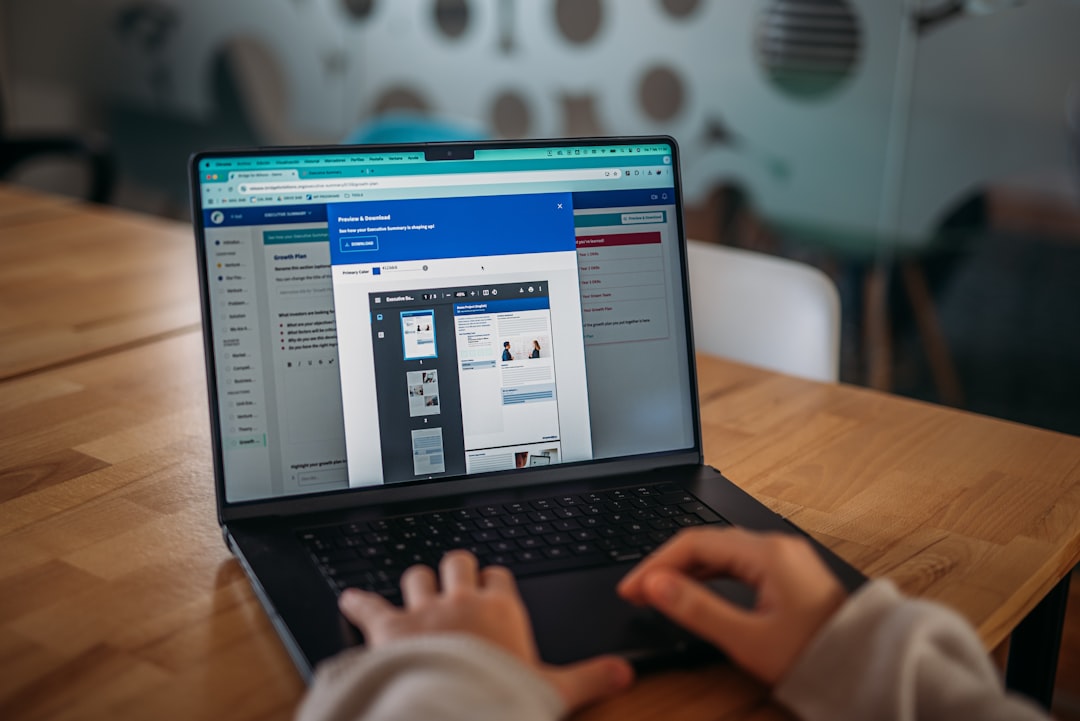
Spreadsheets do not send smart alerts. Shared drives do not track approvals. Email threads do not give you a clear audit trail.
And compliance? That is where things get risky.
How CLM Tools Keep You Compliant
Compliance means following laws, regulations, and internal policies.
It sounds serious. Because it is.
Miss one key clause. Forget one approval. Overlook one regulation update. That can mean fines. Or lawsuits. Or damaged trust.
CLM tools help by building compliance into your process.
1. Standardized Templates
No more random Word documents floating around.
CLM systems store approved templates with pre-built clauses. Legal teams bake compliance language right into them.
This means:
- Correct legal language every time
- Less risky improvising
- Faster contract creation
2. Approval Workflows
Before a contract is signed, it needs review.
CLM tools automate that flow.
For example:
- Sales drafts the contract
- Legal reviews clauses
- Finance approves payment terms
- Executive team signs off on high-value deals
No step gets skipped. The system will not allow it.
3. Audit Trails
Who changed that clause? When? Why?
CLM tools track every edit and approval.
This creates a full history. A clear trail. This is gold during audits.
4. Regulatory Updates
Laws change. Data protection rules evolve. Industry standards shift.
A good CLM platform allows you to update templates and flag contracts that may need revision.
Instead of panic. You get proactive action.
How CLM Tools Keep You Organized
Compliance is just one part of the puzzle.
Organization is the other.
Imagine this:
All contracts. In one searchable system.
No digging. No guessing file names. No sending “Does anyone have the latest version?” messages.

Central Repository
A CLM tool acts as a central hub.
You can filter by:
- Vendor name
- Client name
- Contract value
- Start and end date
- Status
- Region
Need all active contracts in Europe? Two clicks.
Need agreements expiring next quarter? Done.
Smart Search
Modern CLM tools use advanced search functions.
You can search inside documents. Not just titles.
Type a keyword like “non compete” or “data processing.”
Instant results.
This saves hours. Sometimes days.
Automated Alerts
One of the biggest disasters in contract management?
Missed renewals.
Auto-renew clauses can quietly extend contracts for years.
CLM platforms send reminders before:
- Renewal dates
- Termination notice deadlines
- Payment milestones
- Compliance reviews
No more surprise renewals.
The Stages of CLM (Made Simple)
Let’s walk through the lifecycle step by step.
1. Request
Someone needs a contract.
They submit a request inside the CLM system.
No random emails. No confusion.
2. Drafting
The system pulls from approved templates.
Users fill in key details.
Smart fields reduce typing errors.
3. Negotiation
Both parties review and suggest edits.
All versions stay tracked in one place.
No messy file names like “Final_v7_REAL_final.”
4. Approval
The contract moves through predefined workflows.
Stakeholders approve or request changes.
Everything is documented.
5. Signature
Many CLM tools include electronic signatures.
Fast. Secure. Legally binding.
6. Execution and Monitoring
Now the contract is live.
The system monitors obligations and deadlines.
7. Renewal or Termination
Before the end date, the system alerts the team.
You decide what to do next.
Simple. Clear. Controlled.
Key Features to Look For
Not all CLM tools are created equal.
Here are features that really matter:
- Customizable workflows
- Clause libraries
- Advanced search and filtering
- Automated alerts
- E-signature integration
- Role-based permissions
- Reporting dashboards
- Security and encryption
Security is huge.
Contracts often contain sensitive data.
You want encryption. Access controls. Clear user permissions.
Reporting and Visibility
Ever wonder:
- How many active contracts do we have?
- What is our total contract value?
- Which vendors are up for renewal soon?
- Where are bottlenecks in our approval process?
Guesswork is not strategy.
CLM dashboards provide real-time insights.
Colorful charts. Clean graphs. Clear metrics.
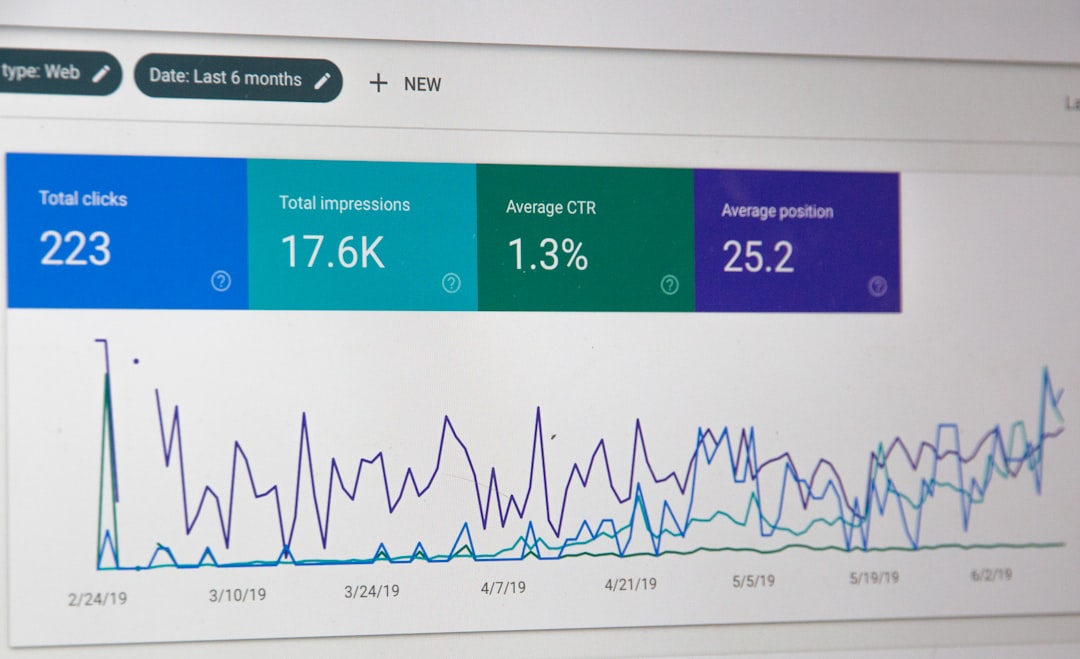
This visibility helps leadership make smarter decisions.
It also helps legal teams prove their value.
Benefits Beyond Compliance
Yes, compliance matters.
But the benefits go further.
Speed
Automated drafting and workflows reduce turnaround time.
Deals close faster.
Cost Savings
Missed renewals are expensive.
Inefficient processes waste employee hours.
CLM reduces both.
Reduced Risk
Standard clauses lower legal exposure.
Reminders prevent accidental breaches.
Better Collaboration
Sales, legal, finance, and procurement work in one system.
No silos. No duplicate work.
Who Needs a CLM Tool?
You might think CLM is only for big corporations.
Not true.
CLM tools are useful for:
- Growing startups
- Mid-sized companies
- Enterprises with global operations
- Legal departments
- Procurement teams
- HR teams managing employment contracts
If you handle more than a handful of contracts a month, you will feel the difference.
Tips for Successful Implementation
Buying software is easy.
Using it well? That takes planning.
1. Clean Your Existing Contracts
Before importing everything, review your current documents.
Remove duplicates. Archive outdated agreements.
2. Define Clear Workflows
Map your current approval process.
Then improve it.
3. Train Your Team
A tool only works if people use it correctly.
Offer short, practical training sessions.
4. Start Simple
Do not automate everything at once.
Begin with core contract types.
Expand later.
The Bottom Line
Contracts should not feel overwhelming.
They should feel controlled. Visible. Organized.
Contract Lifecycle Management tools give you structure.
They replace chaos with clarity.
They turn last-minute scrambles into calm reminders.
They transform compliance from a fear into a process.
In short?
You stay compliant.
You stay organized.
And you sleep better knowing no contract deadline is hiding in some forgotten folder.
That is not just good management.
That is smart business.









