























Search engine optimization can feel overwhelming, especially when you are trying to figure out why your website is not ranking as well as you hoped. The good news? You do not always need an expensive subscription to start improving your SEO. There are powerful free SEO checker tools that can audit your site, uncover technical issues, and point you toward actionable fixes. In this guide, we will explore the best free SEO checker tools for website audits and how they can help you boost your visibility.
TLDR: Free SEO checker tools can help you audit your website for technical errors, keyword issues, backlink gaps, and performance bottlenecks. Some of the best options include Google Search Console, Screaming Frog (free version), Ubersuggest, Ahrefs Webmaster Tools, and SEOptimer. Each tool has different strengths, from crawl analysis to backlink tracking. Combining two or three of these tools can give you a well-rounded SEO audit without spending a dime.
Why Use an SEO Checker Tool?
An SEO checker tool scans your website the way a search engine would. It evaluates elements like:
- Technical SEO (crawlability, indexing, site speed)
- On-page SEO (meta tags, headings, keyword usage)
- Backlinks (who links to your site and how strong those links are)
- User experience signals (mobile usability, page performance)
Instead of guessing what is wrong, these tools provide data-driven insights. Whether you are a blogger, an ecommerce store owner, or a digital marketer, running regular audits is essential for staying competitive.
1. Google Search Console
Best for: Monitoring site performance in Google search results
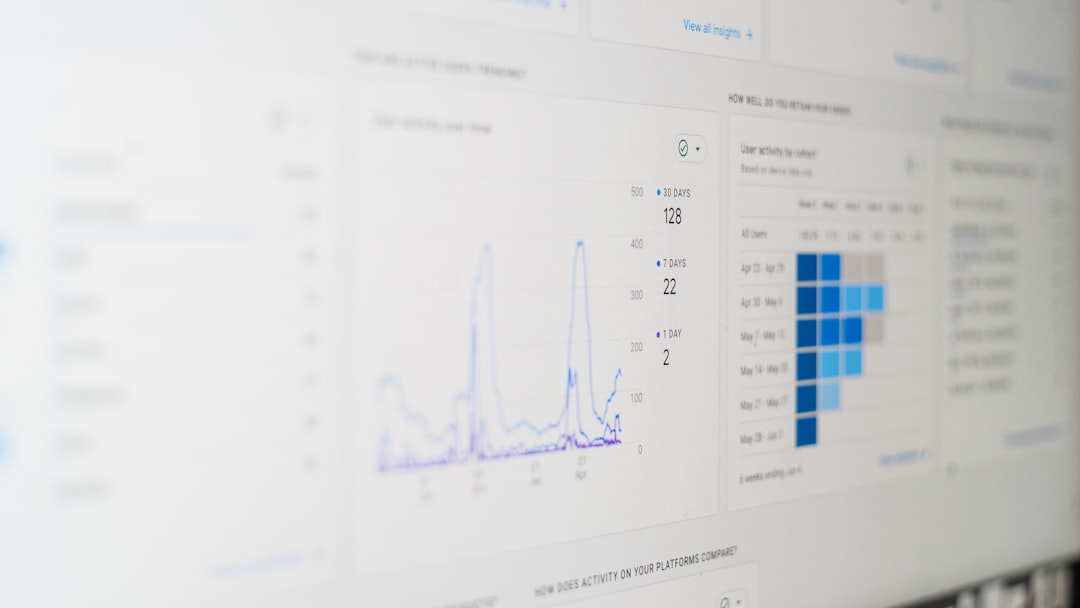
Google Search Console (GSC) is arguably the most important free SEO tool available. Since it comes directly from Google, it gives you firsthand data about how your site performs in search.
Key Features:
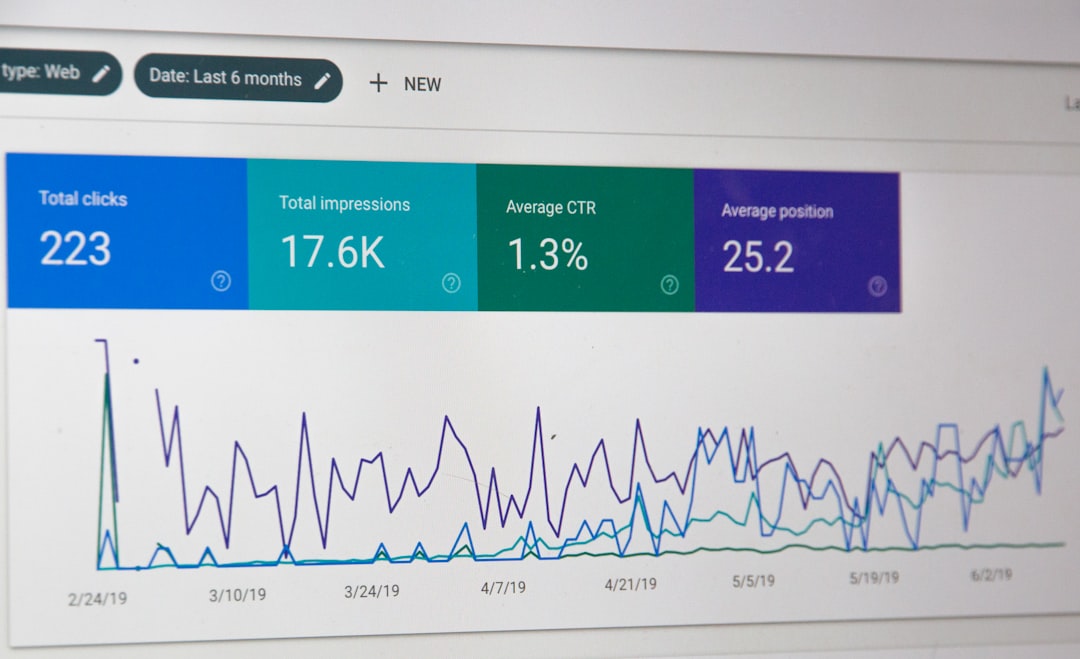
- Performance reports for clicks, impressions, and average position
- Indexing and coverage reports
- Mobile usability insights
- Core Web Vitals data
- Manual action alerts
Why it stands out: You are getting data directly from the source. If Google has trouble crawling or indexing your pages, GSC will usually tell you.
Limitations: It does not provide deep competitor insights or full site crawl visualizations.
2. Screaming Frog SEO Spider (Free Version)
Best for: Technical SEO audits
Screaming Frog’s free version allows you to crawl up to 500 URLs, which is more than enough for small websites.
Key Features:
- Broken link detection
- Duplicate content identification
- Meta title and description analysis
- Redirect chain reporting
- XML sitemap generation
Why it stands out: It performs a real-time crawl of your website, similar to how search engines crawl pages.
Limitations: The 500-URL cap can be restrictive for larger sites.
3. Ubersuggest (Free Plan)
Best for: Keyword analysis and basic site audits
Ubersuggest offers a limited but useful free plan. It provides a clean, user-friendly interface that appeals to beginners.
Key Features:
- Site audit score
- Keyword suggestions and search volume
- Backlink data
- SEO difficulty metrics
- Content ideas
Why it stands out: It combines technical site audits with keyword research, giving a broader SEO overview.
Limitations: Daily searches are limited under the free plan.
4. Ahrefs Webmaster Tools
Best for: Backlink analysis and site health monitoring
While Ahrefs is primarily a premium tool, its Webmaster Tools offering is free for verified site owners.
Key Features:
- Comprehensive backlink profile
- Site Audit tool with health score
- Internal link structure analysis
- Keyword ranking data
Why it stands out: You gain access to one of the world’s largest backlink databases at no cost.
Limitations: Only works for sites you own and verify.
5. SEOptimer
Best for: Quick website SEO reports
SEOptimer offers simple, browser-based audits. Just enter your URL and get an instant report.
Key Features:
- On-page SEO checks
- Mobile and usability tests
- Page speed insights
- Basic recommendations
Why it stands out: It is fast and accessible without setup.
Limitations: Reports are not as deep as crawler-based tools.

Feature Comparison Chart
| Tool | Best For | Free Limitations | Backlink Data | Technical Audit Depth |
|---|---|---|---|---|
| Google Search Console | Performance Tracking | Limited competitor data | Basic | Medium |
| Screaming Frog | Technical Crawling | 500 URL limit | No | High |
| Ubersuggest | Keywords & Audits | Daily search limits | Yes | Medium |
| Ahrefs Webmaster Tools | Backlinks | Site verification required | Strong | High |
| SEOptimer | Quick Reports | Limited depth | Basic | Low to Medium |
How to Perform a Free Website Audit (Step-by-Step)
Using multiple tools together will give you a more complete picture. Here is a simple process you can follow:
- Start with Google Search Console
Check for indexing errors, manual actions, and Core Web Vitals issues. - Run a Crawl with Screaming Frog
Identify broken links, duplicate meta tags, missing H1 tags, and redirect chains. - Analyze Backlinks with Ahrefs Webmaster Tools
Look for toxic or low-quality backlinks and discover high-performing pages. - Check Keywords with Ubersuggest
Find ranking opportunities and identify pages that need optimization. - Run a Quick Overview with SEOptimer
Confirm mobile friendliness and high-level SEO recommendations.
What to Look for in an SEO Audit Report
When reviewing results from free SEO checker tools, pay close attention to:
- Broken links (404 errors) – These hurt user experience and crawl efficiency.
- Duplicate content – Confuses search engines about which page to rank.
- Missing or weak meta titles – Reduces click-through rates.
- Slow-loading pages – Impacts both rankings and conversions.
- Poor internal linking – Weakens your site structure.
Fixing even a handful of these issues can significantly improve your SEO performance over time.
Tips for Getting the Most Out of Free SEO Tools
Free tools come with limitations, but smart usage can maximize their value:
- Export your data regularly. Many free versions limit history access.
- Combine multiple tools. No single tool covers everything.
- Prioritize high-impact fixes. Focus on technical errors and high-traffic pages first.
- Audit monthly. SEO is ongoing, not a one-time task.
Are Free SEO Tools Enough?
For small websites and beginners, free SEO checker tools are often more than sufficient. They help you:
- Understand why traffic is rising or falling
- Fix fundamental technical issues
- Identify keyword opportunities
- Strengthen your backlink profile
However, larger businesses managing thousands of pages may eventually need premium tools for deeper competitive analysis and ongoing tracking.
Final Thoughts
The best free SEO checker tools provide a powerful foundation for improving your website’s performance. Google Search Console offers essential data straight from Google. Screaming Frog delivers deep technical insights. Ubersuggest helps uncover keyword opportunities. Ahrefs Webmaster Tools excels in backlink analysis. SEOptimer provides quick and easy reporting.
You do not need a huge budget to start optimizing your site. By combining these free tools and performing consistent audits, you can identify critical issues, improve search visibility, and build a stronger online presence—without spending a single dollar.
The key is not just running the reports. It is taking action on the insights they provide. SEO rewards consistency, precision, and continuous improvement. Start auditing today, and your rankings tomorrow may look very different.









