





















Sheetz has built a reputation as one of the most convenient and tech-forward convenience store chains in the United States. With thousands of customers stopping in daily for fuel, food, and essentials, payment flexibility matters. As mobile wallets continue to grow in popularity, many customers are asking an important question: does Sheetz accept Apple Pay in 2026? Below, we break down everything you need to know about using Apple Pay at Sheetz, along with a complete look at all supported payment options.
TLDR: Yes, Sheetz accepts Apple Pay in 2026 at most store locations, including inside registers and at fuel pumps equipped with contactless readers. Customers can use Apple Pay with their iPhone, Apple Watch, or other supported Apple devices for both in-store and fuel purchases. Sheetz also supports a wide range of other payment methods, including Google Pay, credit cards, debit cards, and its own Sheetz Pay system. Availability may vary slightly by location, so it’s always wise to check your local store.
Does Sheetz Accept Apple Pay in 2026?
Yes. As of 2026, Sheetz accepts Apple Pay at the vast majority of its locations. This includes:
- In-store checkout counters
- Self-checkout kiosks (where available)
- Fuel pumps equipped with contactless payment terminals
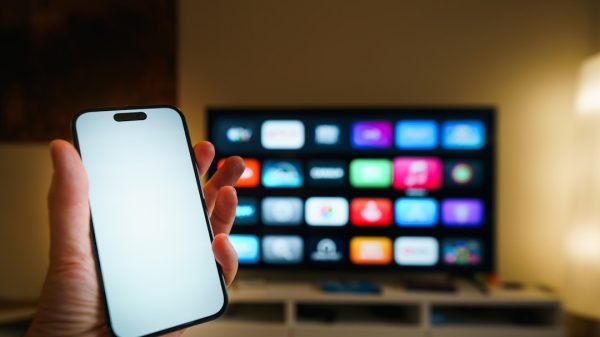
Sheetz has continued upgrading its payment infrastructure over the years, aligning with customer demand for fast and secure digital payment options. Because Apple Pay uses NFC (Near Field Communication) technology, customers can simply hold their device near the reader to complete a transaction.
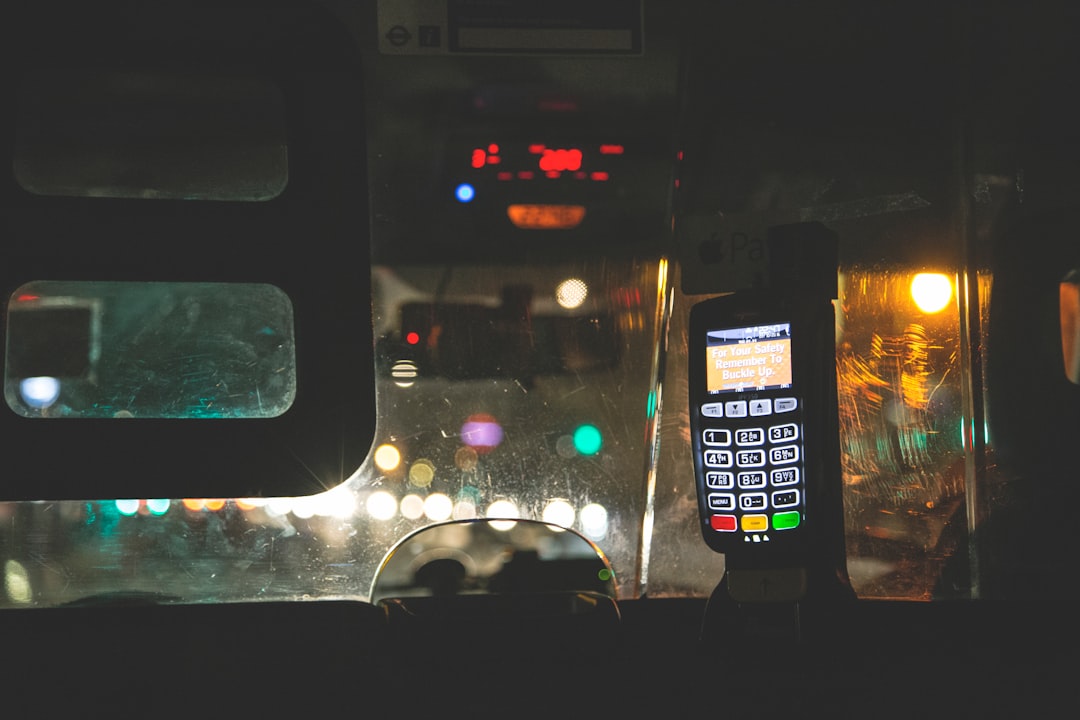
Image not found in postmetaKeep in mind that although most stores support Apple Pay, franchise variations or older pump hardware may occasionally result in limited compatibility at certain fuel terminals. If a pump does not visibly display a contactless symbol, you can always prepay inside using Apple Pay.
How to Use Apple Pay at Sheetz
Using Apple Pay at Sheetz is straightforward. Follow these simple steps:
In-Store Purchases
- Unlock your iPhone or double-tap the side button (or home button on older models).
- Authenticate using Face ID, Touch ID, or your passcode.
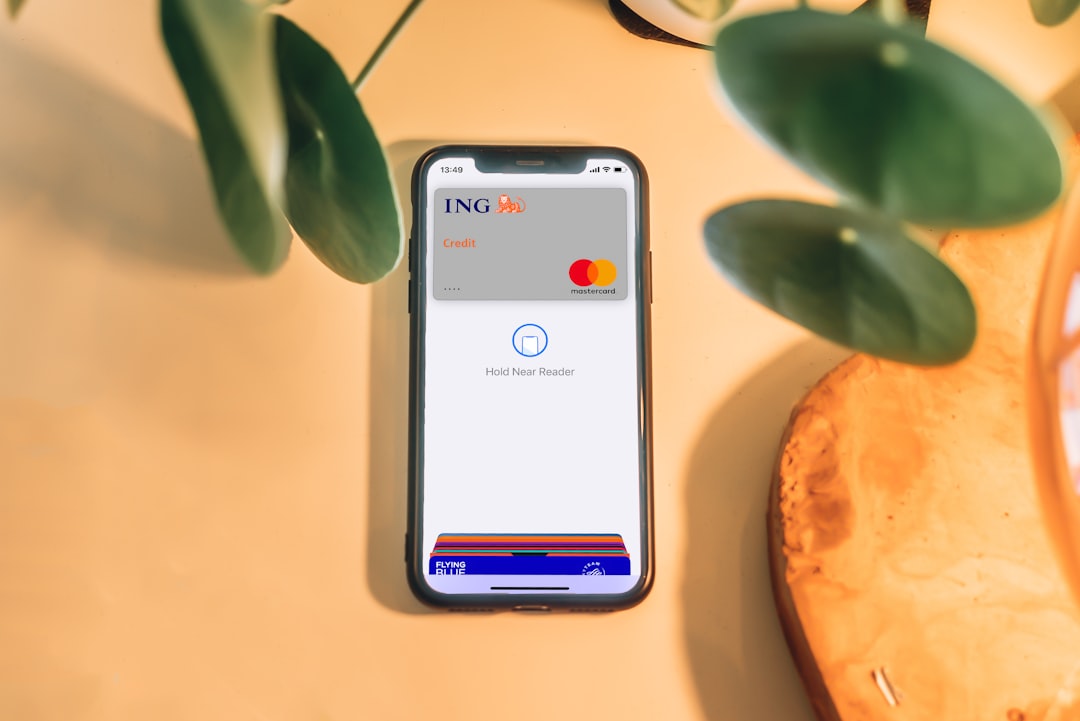
- Hold your device near the contactless payment reader.
- Wait for confirmation (a checkmark and vibration).
At the Fuel Pump
- Select your fuel grade.
- Choose the contactless payment option if prompted.
- Hold your iPhone or Apple Watch near the NFC reader.
- Authenticate and wait for approval before pumping gas.
For Apple Watch users, simply double-click the side button and hold the watch near the terminal until you feel a tap.
Why Apple Pay Is Popular at Convenience Stores
Apple Pay usage has increased significantly in recent years for several reasons:
- Speed: Transactions take seconds.
- Security: Apple Pay uses tokenization, meaning your real card numbers are never shared.
- Hygiene: Contactless payments reduce physical touchpoints.
- Rewards compatibility: Many credit cards still earn rewards when used through Apple Pay.
For frequent Sheetz customers who stop in for coffee, made-to-order food, or fuel during a commute, fast checkout makes a noticeable difference.
Other Payment Methods Accepted at Sheetz in 2026
While Apple Pay is widely supported, it is not the only payment option available. Sheetz offers a comprehensive range of payment methods to accommodate different preferences.
Accepted Payment Types
- Apple Pay
- Google Pay
- Samsung Pay (where NFC supported)
- Visa, Mastercard, American Express, Discover
- Debit cards
- Cash
- Sheetz Gift Cards
- Sheetz Pay (via Sheetz app)
- EBT (for eligible purchases at participating locations)
Below is a simplified comparison chart outlining key features of major payment methods accepted at Sheetz.
| Payment Method | Contactless | Fuel Pump Use | Requires Physical Card | Integrated Rewards |
|---|---|---|---|---|
| Apple Pay | Yes | Yes (NFC enabled pumps) | No | Yes (via linked card) |
| Google Pay | Yes | Yes (NFC enabled pumps) | No | Yes |
| Credit Card | Sometimes (tap cards) | Yes | Usually | Yes |
| Debit Card | Sometimes | Yes | Usually | Limited |
| Sheetz Pay | Yes (in-app) | Yes | No | Full Sheetz integration |
| Cash | No | Prepay inside | Yes | No |
What Is Sheetz Pay?
Sheetz Pay is the company’s proprietary digital wallet integrated into the Sheetz app. Customers can link a checking account, credit card, or debit card and pay directly through the mobile app.
Advantages of Sheetz Pay include:
- Seamless loyalty integration
- Automatic application of fuel discounts
- Order-ahead functionality
- Exclusive in-app promotions
While Apple Pay works perfectly well at Sheetz, some frequent customers prefer Sheetz Pay because it ties directly into the Sheetz Rewards program.
Are There Any Apple Pay Limitations at Sheetz?
Although Apple Pay is broadly accepted, there are minor considerations to be aware of:
- Older Pump Hardware: A small number of rural or older locations may not have NFC-enabled pumps.
- Authorization Holds: Like most gas stations, temporary authorization holds may appear on your card.
- Device Battery: You’ll need sufficient battery life to use mobile payments.
If you encounter an issue at the pump, you can always pay inside using Apple Pay at the register.
Security of Using Apple Pay at Gas Stations
Security is one of the strongest reasons consumers prefer Apple Pay over swiping a physical card. Gas station card skimming has been a concern in past years, particularly at outdoor terminals.
Apple Pay protects users by:
- Generating a unique transaction code for every purchase
- Never storing your actual card number on the device
- Requiring biometric authentication (Face ID or Touch ID)
- Allowing instant card suspension through Apple Wallet
This added layer of protection makes Apple Pay a particularly strong choice when paying at fuel pumps.
Can You Use Apple Pay in the Sheetz App?
Yes. In addition to in-store payments, Apple Pay can often be used within the Sheetz app for mobile orders, depending on your device settings. Customers ordering made-to-order meals for pickup can select Apple Pay at checkout if it appears as an available digital wallet option.
However, Sheetz typically encourages use of Sheetz Pay within the app for the most streamlined loyalty experience. Both options remain viable in 2026.
Regional Differences and Store Variations
Sheetz primarily operates in states such as Pennsylvania, Ohio, West Virginia, Virginia, Maryland, and North Carolina. While corporate policies support Apple Pay company-wide, minor regional hardware upgrades may vary.
If you’re traveling and unsure about a specific location, consider:
- Checking the Sheetz mobile app
- Calling the store directly
- Looking for the contactless symbol at the pump or register
Future Outlook for Digital Payments at Sheetz
Sheetz has consistently positioned itself as an innovation leader in convenience retail. From self-serve kiosks to mobile ordering and loyalty app enhancements, the company adapts quickly to consumer behavior trends.
Given the continued growth of contactless payments and digital wallets, it is highly unlikely that Apple Pay support would be reduced. Instead, customers can expect continuous improvements in:
- Faster NFC processing
- Integrated loyalty stacking
- Enhanced fraud prevention
- Expanded self-checkout options
Final Verdict
In 2026, Sheetz fully embraces modern payment technology, including Apple Pay. Customers can use their iPhone or Apple Watch at most store registers and fuel pumps with confidence. The process is fast, secure, and widely supported across the chain.
For customers who value convenience and security, Apple Pay is an excellent option at Sheetz. However, those deeply invested in Sheetz Rewards may prefer Sheetz Pay for its tighter integration. Either way, Sheetz ensures that customers have flexible, reliable, and modern payment solutions every time they stop in.
If you regularly visit Sheetz for fuel or food, using Apple Pay is not only possible in 2026—it is one of the most efficient ways to complete your purchase.









