





















Keeping track of daily expenses is no longer just about recording numbers. For many individuals and small business owners, understanding why money was spent is just as important as knowing how much was spent. This is where apps that allow users to add notes to individual transactions become incredibly powerful. By attaching context to each purchase, users gain clearer insights into their habits, business deductions, shared expenses, and financial goals.
TLDR: Adding notes to individual transactions transforms basic expense tracking into meaningful financial analysis. Several modern budgeting apps allow users to attach detailed notes, tags, and even images to every purchase. The top five apps for this feature are YNAB, Mint, PocketGuard, Goodbudget, and Spendee. Each offers different strengths depending on budgeting style, collaboration needs, and reporting preferences.
Instead of staring at a vague line item like “$42.17 – Grocery Store,” users can clarify: “Weekly meal prep ingredients,” “Dinner party supplies,” or “Client meeting refreshments.” Over time, these small annotations create patterns and reveal spending behaviors that would otherwise remain hidden.
Why Adding Notes to Transactions Matters
Many people underestimate the power of transaction notes. However, this small feature can dramatically improve financial awareness.
- Improved memory recall: Notes help users remember the purpose of purchases weeks or even months later.
- Tax preparation: Business owners can document deductible expenses instantly.
- Shared budgeting clarity: Couples or roommates can explain shared expenses.
- Goal tracking: Users can connect purchases directly to financial goals.
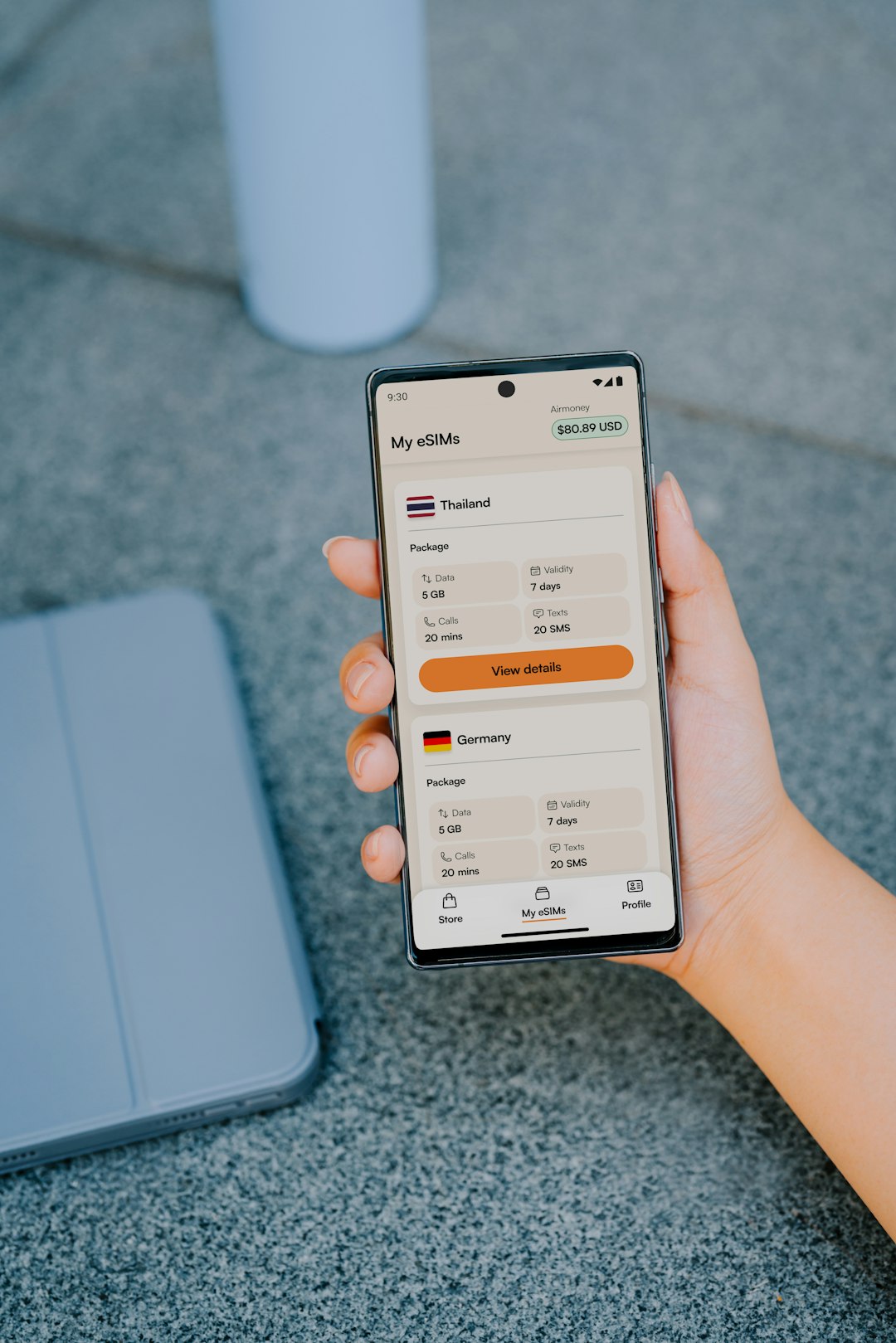
Rather than keeping separate spreadsheets or written records, note-enabled budget apps centralize everything in one place. The following five apps stand out for making this feature both intuitive and powerful.
Top 5 Apps That Let You Add Notes To Individual Transactions
1. YNAB (You Need A Budget)
Best for: Proactive zero-based budgeting and detailed financial planning.
YNAB is known for its hands-on budgeting philosophy. Users assign every dollar a job, making it ideal for people who want tight control over their finances. One of its most helpful features is the ability to attach notes directly to any transaction.
With YNAB, users can:
- Add detailed notes to each expense
- Create custom categories
- Tag transactions for advanced filtering
- Split transactions and annotate each portion separately
This is particularly useful for freelancers and small business owners who need to document client-related purchases. When tax season arrives, each expense already contains the relevant explanation.
Why it stands out: The note field is easy to access and integrates seamlessly with reporting tools, allowing users to search keywords inside transaction notes.
2. Mint
Best for: Automated expense tracking and bank syncing.
Mint remains one of the most popular budgeting apps due to its automatic bank synchronization and user-friendly interface. It allows users to edit transactions and add custom notes for clarification.
Mint features include:
- Transaction editing and custom labeling
- Note fields for each transaction
- Bill tracking and alerts
- Spending trend analysis
For users who prefer a mostly automated approach, Mint reduces manual entry while still allowing customization through notes. This is ideal for individuals who want context without spending hours managing spreadsheets.
Why it stands out: The ability to combine auto-imported data with manual notes provides both convenience and clarity.
3. PocketGuard
Best for: Simplified budgeting and overspending prevention.
PocketGuard focuses on answering one main question: “How much can I safely spend today?” While its interface is minimalistic, it still allows users to edit transactions and attach notes.
Users can:
- Add personal notes to purchases
- Categorize transactions
- Track subscriptions
- Monitor disposable income in real time
This makes it a solid choice for younger users or those new to budgeting. By adding quick notes like “Impulse buy” or “Birthday gift,” individuals can analyze unnecessary spending patterns later.
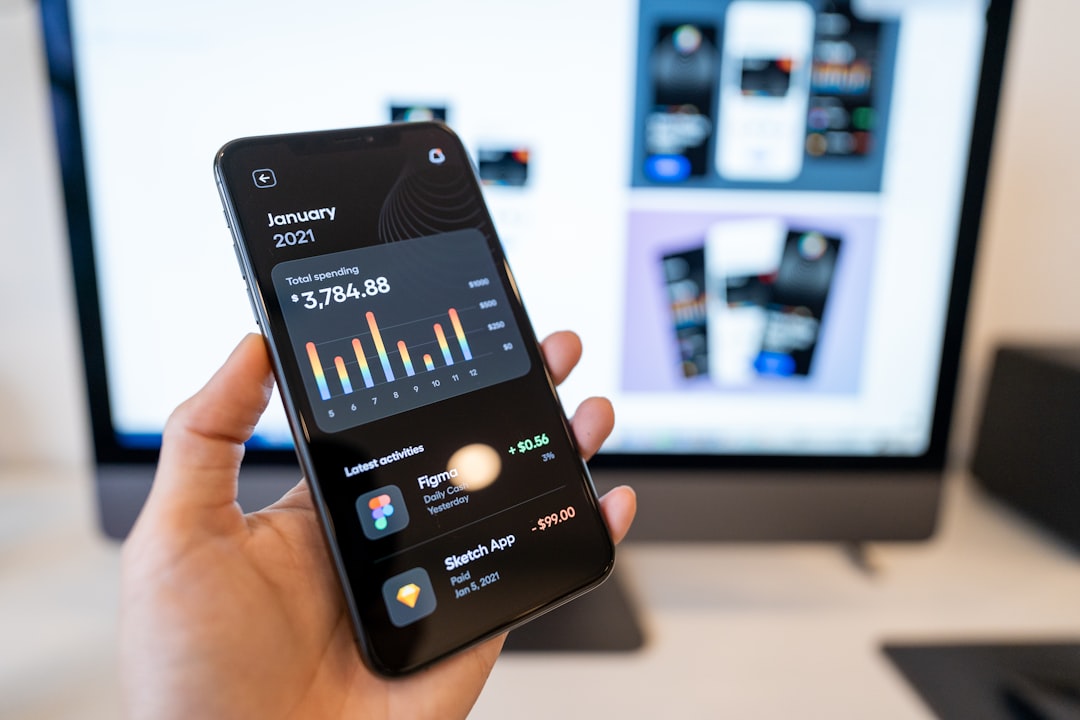
Why it stands out: Its simplicity ensures that adding notes feels effortless rather than overwhelming.
4. Goodbudget
Best for: Envelope budgeting enthusiasts.
Goodbudget is built around the digital envelope budgeting system. Users allocate money into virtual envelopes for categories like rent, groceries, or entertainment.
Every transaction within an envelope allows note additions, which is especially helpful when managing shared budgets with a partner or family member.
Key features include:
- Manual transaction entry for intentional awareness
- Transaction memo field
- Debt tracking tools
- Multi-device syncing
Because Goodbudget emphasizes manual entry, users tend to be more intentional about writing notes. This builds stronger awareness over time.
Why it stands out: Ideal for couples who want transparency by documenting each shared purchase.
5. Spendee
Best for: Visual learners and shared wallet tracking.
Spendee combines attractive design with functional budgeting tools. It allows detailed note entries attached to every transaction and supports shared wallets.
Users benefit from:
- Custom categories and notes
- Shared wallets for families or teams
- Visual charts and infographics
- Manual and automated tracking options
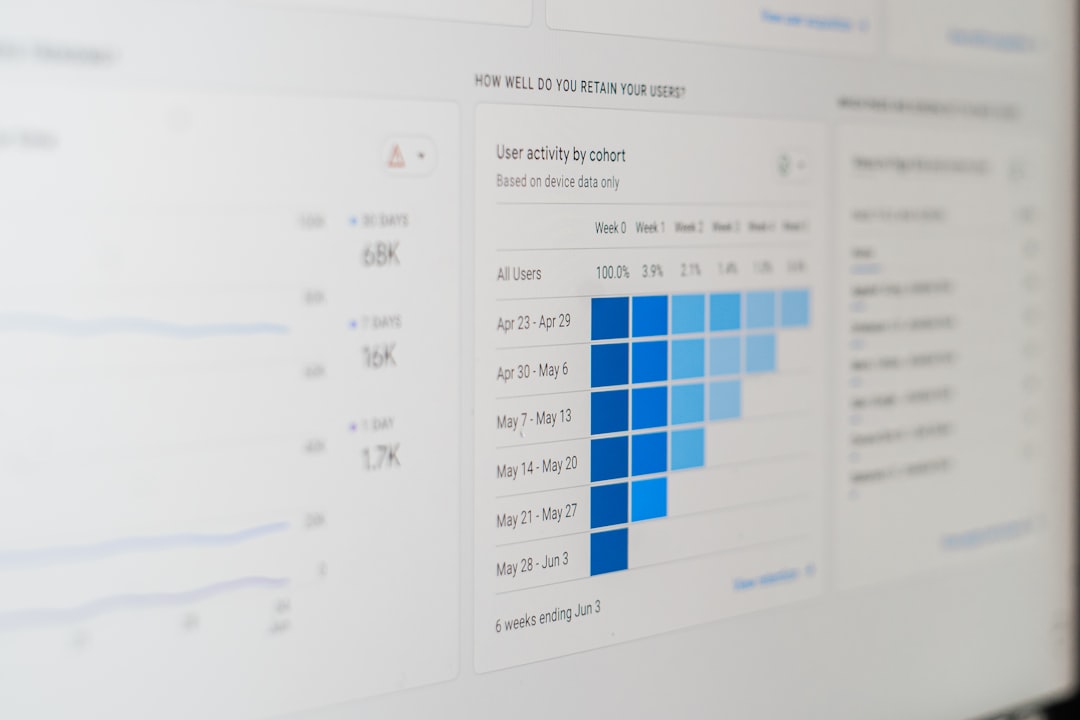
This app works particularly well for visual thinkers who want both aesthetics and function in a financial tracking tool.
Why it stands out: Shared wallet notes make it easy to clarify group expenses in real time.
Comparison Chart
| App | Best For | Note Functionality | Automation Level | Collaboration Features |
|---|---|---|---|---|
| YNAB | Zero-based budgeting | Detailed notes + tagging | Moderate | Limited sharing |
| Mint | Automated tracking | Editable transaction notes | High | Individual focus |
| PocketGuard | Overspending control | Simple note addition | High | Limited |
| Goodbudget | Envelope budgeting | Manual memo field | Low to Moderate | Strong household syncing |
| Spendee | Visual budgeting | Detailed transaction notes | Moderate | Shared wallets |
How to Choose the Right App
When deciding which app best fits individual needs, users should consider:
- Budgeting philosophy: Do they prefer envelope budgeting or automated tracking?
- Manual vs automated entry: More manual input can increase awareness.
- Collaboration needs: Are expenses shared with a partner or business?
- Reporting tools: Can notes be searched and filtered later?
The key is not just adding notes, but being able to retrieve and analyze them later. Advanced search functions make transaction notes far more valuable over time.
FAQ
1. Why should someone add notes to transactions?
Adding notes provides context for each purchase, making it easier to remember why money was spent. This improves budgeting decisions, financial planning, and tax documentation.
2. Are transaction notes searchable in most apps?
Many modern budgeting apps allow users to search keywords inside transaction notes. However, the depth of this feature varies by app, with YNAB offering particularly robust filtering.
3. Do note features work with automatically imported bank transactions?
Yes. Apps like Mint and PocketGuard allow users to attach notes even to automatically synced transactions, combining automation with customization.
4. Are these apps suitable for small business expense tracking?
While primarily designed for personal finance, many freelancers and small business owners use them successfully. Detailed transaction notes make expense categorization and tax preparation easier.
5. Is manual entry better for financial awareness?
For some users, yes. Apps like Goodbudget encourage manual entry, which can increase mindfulness about spending. However, automated apps provide greater convenience.
6. Can transaction notes help reduce overspending?
Absolutely. Reviewing notes like “Impulse purchase” or “Unplanned dining” over time can highlight behavioral spending patterns and encourage better decision-making.
Ultimately, adding notes to individual transactions turns basic expense tracking into a smarter, more insightful budgeting process. Whether someone prefers detailed zero-based budgeting or hands-off automation, choosing an app with strong annotation features can significantly improve long-term financial clarity.









