








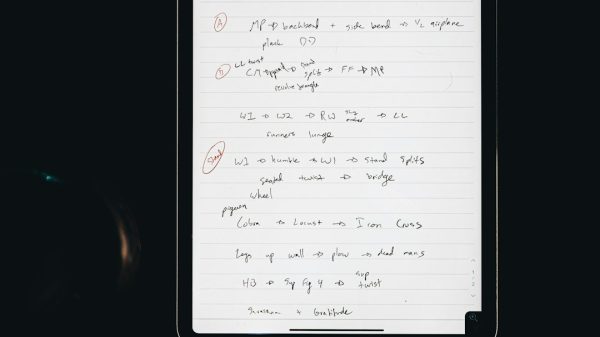












So, you love taking notes on your iPad. But maybe Notability is no longer your perfect match. Prices changed. Features moved. Or you just want something different. Good news. There are many amazing apps out there. Some are simple. Some are powerful. Some feel like magic.
TLDR: There are many great alternatives to Notability for iPad note-taking. Apps like Goodnotes, Apple Notes, OneNote, and Nebo offer unique features for students, professionals, and creatives. Some focus on handwriting. Others shine in organization or collaboration. The best one depends on how you take notes and what features matter most to you.
Let’s explore the best options. You might just find your new favorite app.
What Makes a Good Note-Taking App?
Before we jump in, let’s keep it simple. A great note-taking app should:
- Feel smooth with Apple Pencil
- Organize notes easily
- Sync across devices
- Be reliable
- Fit your budget
Now let’s meet the stars of the show.
1. Goodnotes
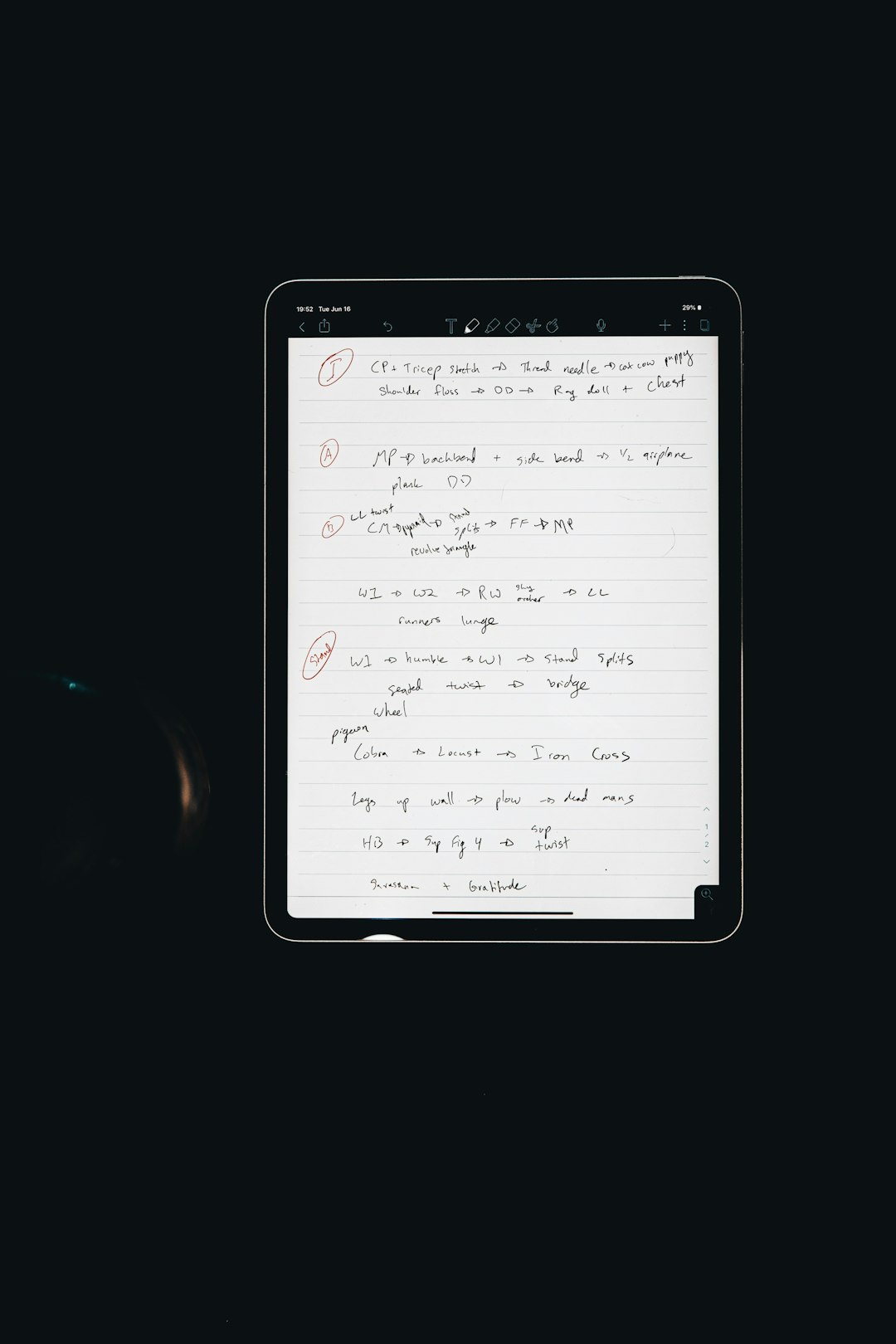
If Notability had a twin, it might be Goodnotes. This app is a fan favorite. Especially among students.
Why people love it:
- Beautiful digital notebooks
- Powerful handwriting search
- Custom covers and templates
- Tabbed navigation
It feels natural. Writing is smooth. You can organize notes into folders and notebooks. Just like real binders.
Bonus: You can annotate PDFs easily. Great for class slides or work documents.
Best for: Students and planners who love neat organization.
2. Apple Notes
Sometimes the best app is already on your iPad. Apple Notes is simple. But don’t let that fool you.
It has improved a lot in recent years.
Why it’s awesome:
- Free and built-in
- Fast syncing with iCloud
- Handwriting and text mixed easily
- Smart folders and tags
You can scan documents. Add checklists. Lock notes with Face ID. Even collaborate with others in real time.
It may not look fancy. But it gets the job done.
Best for: Everyday users who want something simple and reliable.
3. Microsoft OneNote
Need something powerful and flexible? OneNote might surprise you.
It feels like a giant digital whiteboard. You can tap anywhere and start typing or writing.
Cool features:
- Freeform layout
- Cross-platform support
- Strong collaboration tools
- Deep integration with Microsoft Office
The organization style is unique. You get notebooks. Then sections. Then pages. Very structured.
It’s especially great if you use Windows or Microsoft 365.
Best for: Professionals and team projects.
4. Nebo
If you love handwriting but hate typing, meet Nebo. This app is famous for its handwriting recognition.
It can turn messy scribbles into clean text. Almost like magic.
Standout features:
- Convert handwriting to text instantly
- Supports math equations
- Create diagrams easily
- Export to Word or PDF
It’s perfect for people who think better with a pen.
Best for: Writers, engineers, and math lovers.
5. CollaNote
Want something powerful and budget-friendly? CollaNote is worth a look.
It offers a surprising number of features for free.
What you get:
- Real-time collaboration
- Voice recording
- Handwriting stabilization
- Cute and fun interface
It may not be as polished as Goodnotes. But it’s improving fast.
Best for: Students on a budget.
6. Noteful
Noteful is a rising star. Clean. Focused. Affordable.
It keeps things simple but powerful.
Why people switch to it:
- Layer feature for notes
- Distraction-free interface
- One-time purchase
- Solid Apple Pencil support
The layer feature is unique. You can separate annotations from your base document. That’s great for studying.
Best for: Minimalists who want advanced tools.
Quick Comparison Chart
| App | Price Model | Best Feature | Best For |
|---|---|---|---|
| Goodnotes | One-time or subscription | Notebook organization | Students |
| Apple Notes | Free | Apple ecosystem sync | Everyday use |
| OneNote | Free | Freeform layout | Teams and professionals |
| Nebo | One-time purchase | Handwriting conversion | Writers and engineers |
| CollaNote | Free with upgrades | Collaboration tools | Budget users |
| Noteful | One-time purchase | Layer system | Focused note-takers |
How to Choose the Right One
Still unsure? Ask yourself a few simple questions.
- Do I prefer handwriting or typing?
- Do I need collaboration features?
- Do I care about advanced organization?
- Am I okay with subscriptions?
If you love structured notebooks, try Goodnotes.
If you want free and easy, go with Apple Notes.
If handwriting conversion matters most, pick Nebo.
If you work in teams, test OneNote.
Sometimes the best way is simple. Try a few. See what feels right.
What About Aesthetic and Planning Apps?
Some people want more than notes. They want style. Stickers. Digital planners.
Goodnotes is strong here. So is Noteful.
You can download planner templates. Add cute stickers. Create vision boards.
If you enjoy decorating notes, make sure the app supports:
- Custom templates
- Image import
- Easy resizing tools
- Layer support
Note-taking can be productive and fun at the same time.
Free vs Paid: Does It Matter?
Some apps are free. Some require payment. So what’s better?
Free apps are great for casual users. They usually cover the basics.
Paid apps often offer:
- Better organization
- Advanced export options
- More customization
- Priority updates
If you take notes every day, investing a few dollars might be worth it.
Final Thoughts
Notability is not the only great note-taking app for iPad. Not even close.
There are powerful tools for every style. Structured thinkers. Creative planners. Business professionals. College students.
The key is simple. Choose an app that matches how your brain works.
Love clean notebooks? Go structured.
Think visually? Go freeform.
Write everything by hand? Go handwriting-focused.
Your iPad is a powerful tool. With the right app, it becomes your digital brain.
And who knows? Your next favorite note-taking app might be just one download away.









