























Designers love tools. They’re like a chef’s favorite knife or a carpenter’s trusty hammer. Tools help bring ideas to life. But with so many choices out there, how do you pick the right ones—especially if you want your designs to stay consistent?
TL;DR
Finding the right design tool is about more than just fancy features. It’s about trust, ease, and keeping your design consistent across everything. We rounded up the top 5 tools that designers swear by, from solo side hustlers to big creative teams. These tools are reliable, fun to use, and perfect for making sure your designs always look just right.
1. Figma – The Favorite
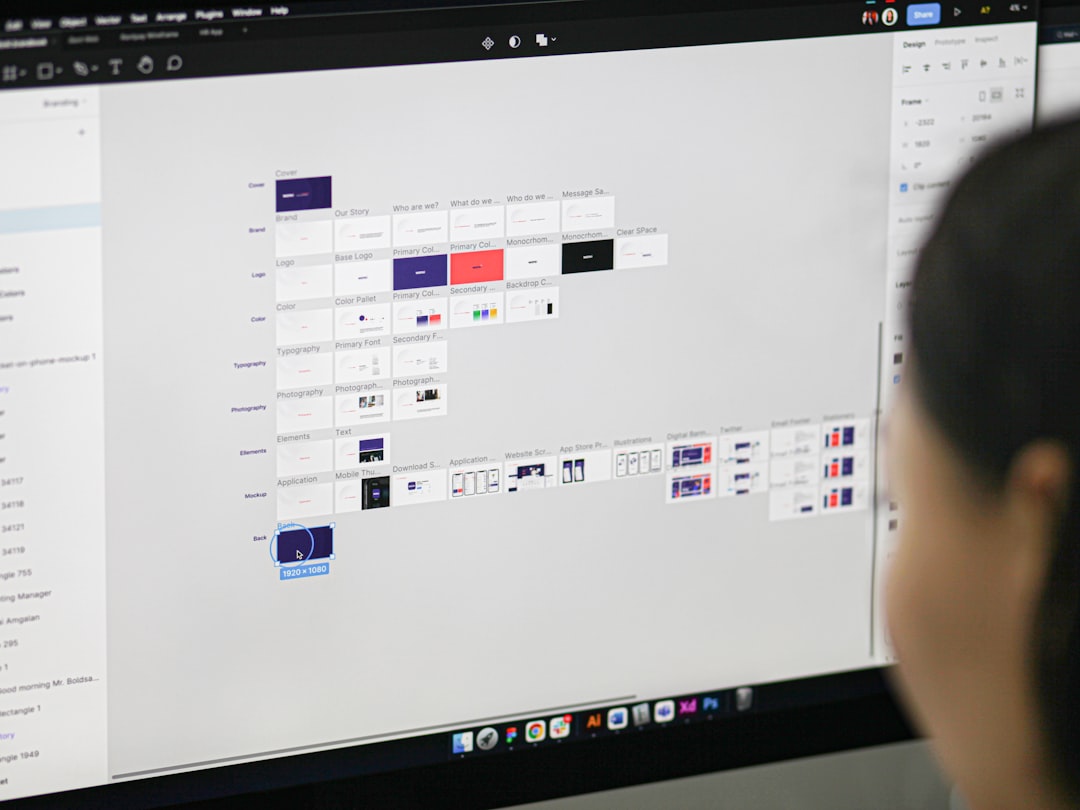
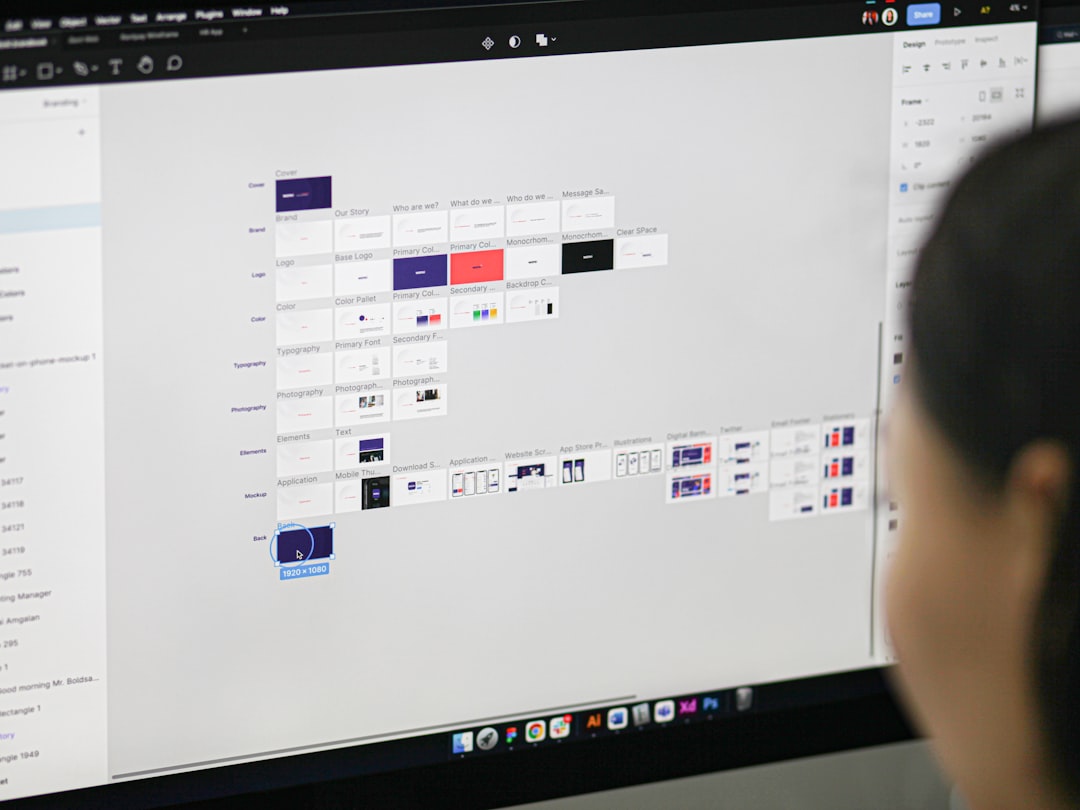
Figma is like the cool kid in school everyone wants to work with. It’s web-based, easy to use, and made for collaboration.
- Cloud-based: No downloads necessary. Just log in and get designing.
- Real-time collaboration: Work with your entire team on the same canvas. At the same time.
- Component system: Makes staying consistent across designs almost effortless.
If you’ve ever used Google Docs, Figma is like that—but for design. Changes update instantly. Everyone stays on the same page (literally).
It’s especially handy for teams working remotely. When everyone’s using Figma, there’s no question which is the latest version—it’s always the one you’re all looking at.
2. Adobe XD – For the Adobe Lovers
If you’re already a fan of the Adobe family, Adobe XD fits in perfectly. It’s made for UX/UI design and comes with all the bells and whistles.
- Design + Prototype: You can design and create interactions without switching apps.
- Integration: Works well with Photoshop, Illustrator, and more.
- Shared libraries: Perfect for keeping things consistent across multiple projects.
Adobe XD also lets you share links with clients, so they can see your prototype and even leave comments. Handy and fast!
Designers appreciate Adobe XD’s smooth user interface and how it keeps everything looking clean and unified. It’s perfect for teams who live on Adobe Cloud.
3. Sketch – Focused & Flexible
Once the top choice for Mac designers, Sketch still has loyal fans—and for good reasons.
- Great for Mac-only teams: Sketch is sleek, fast, and easy to master.
- Plugins galore: There’s a plugin for just about everything.
- Symbols & shared styles: Makes design consistency a piece of cake.
While it’s not web-based like Figma, Sketch introduced Sketch for Teams which brings collaboration features to the table.
Plus, Sketch has been around long enough to build a huge community. That means more templates, more tutorials, more everything.
If you’re looking for a reliable and lightweight tool fully focused on UI design, Sketch is still a solid bet—especially if you’re in the Apple ecosystem.
4. Canva – Simple Yet Super
Canva might seem basic compared to the others, but don’t underestimate it. For many designers—especially those working with non-designers—it’s the secret weapon.
- Drag-and-drop simplicity: Anyone can use it.
- Templates for everything: Social media posts, presentations, even logos.
- Brand Kit: Upload your fonts, colors, and logos so everyone stays on-brand.
Canva Pro takes it up a notch. You can lock elements, so your teammates (or clients) don’t accidentally mess up a design. That saves a LOT of headaches.
It’s perfect for teams that want nice design without much training. A go-to tool for quick projects or consistent content creation.
5. Notion + LottieFiles – The Dynamic Duo
Okay, this last one isn’t a single tool—it’s a combo! But hear us out. Notion helps teams stay organized. LottieFiles helps bring designs to life with animations.
- Notion: Store your brand guides, assets, and product specs all in one living document.
- LottieFiles: Add light, scalable animations to your designs—great for web and apps.
- Together: You get structure plus flair.
Designers love this combo when dealing with complex projects. Notion keeps everyone aligned. LottieFiles adds polish that makes designs pop.
Also, both tools offer free versions to get you started. That’s always a plus.
Image not found in postmetaBonus Mentions
We had a tough time picking just five tools. So here are a few honorable mentions that many designers rely on:
- InVision: Great for prototyping and team feedback.
- Zeplin: A lifesaver when handing off designs to developers.
- Affinity Designer: Another skilled player, especially as an Adobe alternative.
Why Consistency Is So Important
Let’s talk about why all these tools matter. Design consistency builds trust. Think about your favorite brands—the colors, the font, the look—it’s always the same.
When design is all over the place, it feels messy. The message gets lost. These tools help fix that.
Whether it’s reusable components in Figma or a saved template in Canva, design tools make sure your visuals say the same thing, every time. No more color codes on sticky notes!
How to Choose the Right Tool
Not sure where to start? Ask yourself:
- Do I work solo or with a team?
- Do I need lots of features or just the basics?
- Is my workflow mainly digital, or print too?
- Do I need to collaborate with clients often?
Your answers will help point you in the right direction. Most of these tools are free to try, so test a few. See which ones feel like home.
Final Thoughts
The best design tools are the ones that simplify your job—not complicate it. They help you stay consistent, save time, and actually enjoy designing.
So whether you’re building pitch decks or prototyping apps, try out these tools. Your future self—and your clients—will thank you.
Happy designing!









