












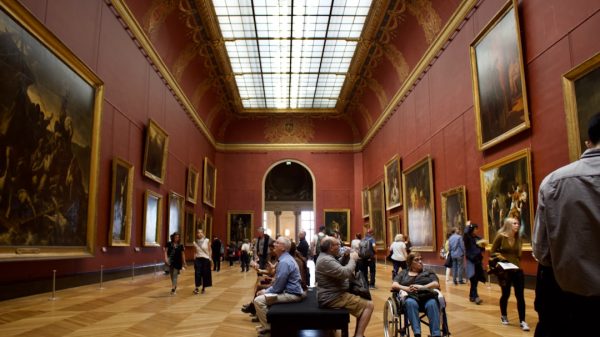











Modern museums are no longer limited to labels, maps, and guided tours scheduled at fixed times. With a museum app builder, cultural institutions can create digital experiences that help visitors explore collections, understand context, navigate galleries, and engage with stories in more personal ways. Whether a museum focuses on art, history, science, local heritage, or interactive education, a well-designed app can turn a visit into a richer, more memorable journey.
TLDR: A museum app builder helps institutions create mobile experiences without starting from scratch. It can support features such as interactive maps, audio guides, exhibit pages, quizzes, accessibility tools, and visitor feedback. The best museum apps combine clear navigation, strong storytelling, and thoughtful design. When planned carefully, a museum app can improve engagement before, during, and after a visit.
Why Museums Are Turning to App Builders
Museums are increasingly expected to offer digital support that matches the habits of modern audiences. Visitors often arrive with smartphones in hand, ready to scan, listen, search, share, and interact. A museum app builder gives museum teams a practical way to create these experiences without requiring a fully custom development process.
Instead of building an application from the ground up, a museum can use an app builder to assemble key features, manage content, update exhibits, and publish visitor-facing tools more efficiently. This approach is especially valuable for small and mid-sized museums that may not have large technical teams but still want to offer high-quality digital engagement.
A museum app can serve many roles. It can be a digital guide, a learning platform, a map, a storytelling tool, a ticketing companion, or a post-visit resource. The most successful apps are not simply digital brochures. They are designed around the visitor journey and built to make the physical museum experience more meaningful.
Understanding the Visitor Journey
Before choosing features, museum teams must understand how visitors move through the experience. This journey usually begins before arrival and continues after the visit ends. A museum app builder should support each stage in a thoughtful way.
- Before the visit: Visitors may want opening hours, ticket details, parking information, accessibility guidance, exhibition previews, or event schedules.
- During the visit: They need maps, exhibit information, audio narration, recommended routes, translations, and interactive activities.
- After the visit: They may enjoy saved favorites, educational resources, membership offers, donation options, or links to related collections.
By mapping these stages, the museum can avoid adding features just because they are available. Instead, the app becomes a purposeful companion that solves real visitor needs.
Essential Features of a Museum App Builder
A strong museum app builder should offer a flexible set of features that can be adapted to the museum’s size, audience, and collection. While every institution has different goals, several features are especially useful for creating engaging museum experiences.
Interactive Maps and Wayfinding
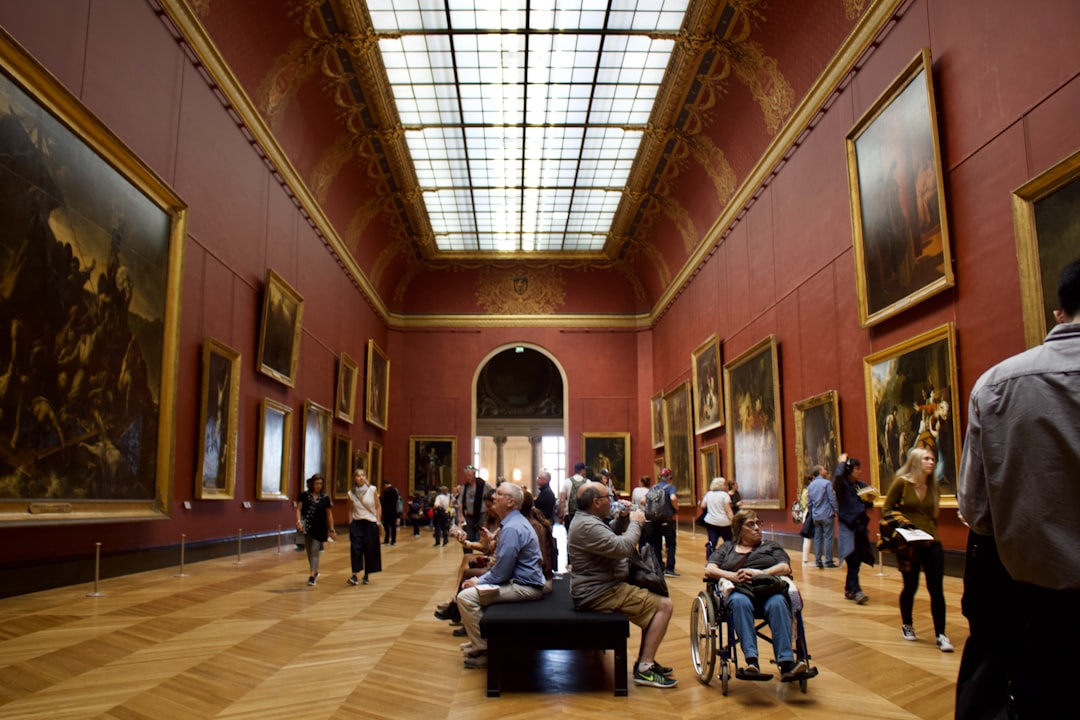
Museum buildings can be confusing, especially when they include multiple floors, temporary exhibitions, historic wings, cafés, gift shops, and education rooms. An interactive map helps visitors orient themselves quickly. It can show gallery locations, restrooms, elevators, exits, and accessible routes.
Wayfinding features are particularly helpful for families, school groups, older adults, and first-time visitors. When visitors spend less time feeling lost, they can spend more time enjoying the collection.
Audio Guides and Multimedia Stories
Audio guides remain one of the most valuable digital museum tools. A museum app builder can allow staff to upload narration, interviews, soundscapes, music, or artist commentary. These audio elements can bring objects to life by adding emotion, historical context, and expert interpretation.
Multimedia storytelling can also include short videos, image galleries, animations, and archival material. For example, a painting may be paired with a conservation video, while a historic artifact may include a timeline showing how it was used.
QR Code and Object Scanning
QR codes are a simple way to connect physical exhibits with digital content. Visitors can scan a code near an object to access deeper information, audio, translations, or related materials. Some app builders also support image recognition or object scanning, allowing visitors to point their phone at an item and receive relevant content automatically.
This feature is useful because it keeps gallery labels concise while allowing interested visitors to explore more detail at their own pace.
Personalized Tours
Not every visitor wants the same experience. Some have twenty minutes, while others spend an entire afternoon. Some are interested in family activities, while others prefer scholarly interpretation. A museum app builder can support personalized tours based on time, interests, language, age group, or accessibility needs.
Examples may include:
- Highlights tour: A short route featuring the museum’s most famous objects.
- Family tour: A playful experience with questions, games, and simple explanations.
- Expert tour: A deeper route with curatorial notes and archival references.
- Accessible tour: A route designed around elevators, seating areas, and sensory considerations.
Designing for Engagement, Not Distraction
A museum app should enhance the physical experience rather than pulling visitors away from it. The goal is not to make visitors stare at screens throughout their visit. Instead, the app should encourage closer looking, listening, movement, reflection, and discussion.
Good app design uses short text, clear buttons, readable typography, and intuitive structure. Content should be organized so visitors can quickly understand what to do next. Long essays can be included, but they should be optional and easy to access without overwhelming the main experience.
Micro-interactions can also increase engagement. A visitor might tap to reveal an X-ray image of a painting, answer a quick question, compare two objects, or mark a favorite item. These small actions help visitors become active participants rather than passive observers.
Using Storytelling to Bring Collections to Life
Objects become more powerful when they are connected to stories. A museum app builder gives curators and educators space to tell those stories in layered ways. Instead of relying only on object title, date, and material, the app can explain why an object matters, who made it, how it traveled, what questions surround it, and how it relates to contemporary life.
Effective museum storytelling often includes:
- Human perspectives: Stories about creators, communities, collectors, scientists, witnesses, or users.
- Historical context: Events, movements, and cultural conditions that shaped the object.
- Behind-the-scenes insight: Conservation, research, installation, and curatorial decision-making.
- Multiple voices: Contributions from scholars, artists, local communities, and visitors.
When the app presents these layers clearly, visitors can choose how deeply they want to explore. One person may listen to a one-minute summary, while another may watch a video and read extended notes.
Accessibility and Inclusion
An effective museum app must be designed for as many visitors as possible. Accessibility should not be treated as an extra feature added at the end. It should be part of the planning process from the beginning.
Important accessibility features may include:
- Text resizing and high-contrast display options
- Captions and transcripts for all audio and video content
- Screen reader compatibility
- Clear navigation for visitors with cognitive or learning differences
- Audio description for visual content
- Information about wheelchair access, seating, quiet spaces, and sensory-friendly routes
An inclusive museum app helps more visitors feel welcome, informed, and independent. It also reflects the museum’s broader responsibility to serve diverse communities.
Gamification and Learning Tools
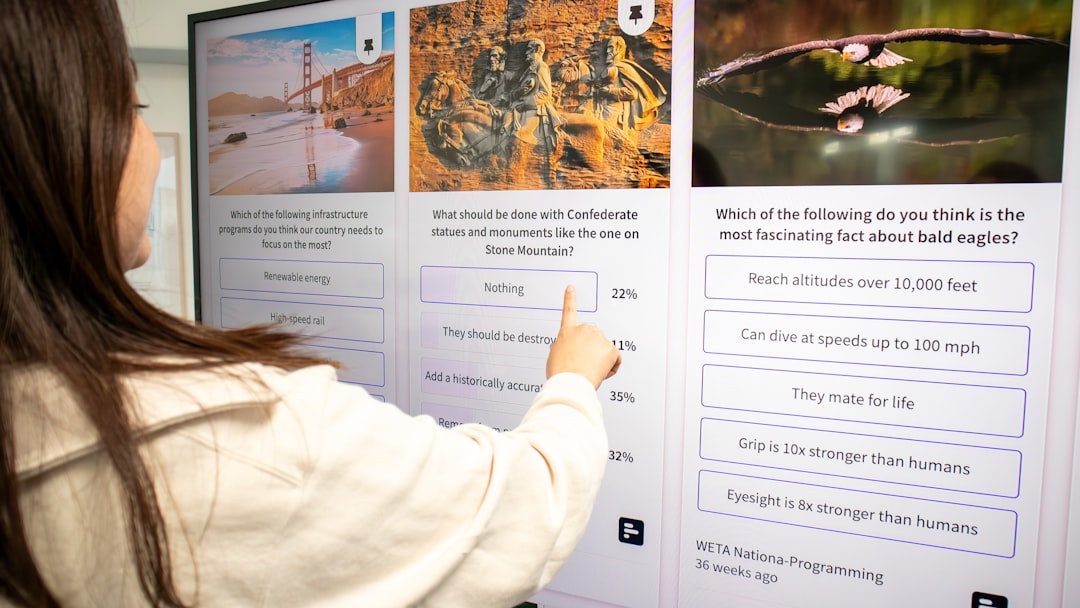
Gamification can be powerful when it supports learning rather than feeling forced. Quizzes, scavenger hunts, badges, puzzles, and challenges can encourage visitors to observe details they might otherwise miss. For children and school groups, these features can transform a museum visit into an active educational experience.
For example, a science museum might create a challenge where visitors identify different types of energy throughout the galleries. A history museum might ask students to collect clues from primary sources. An art museum might invite families to find colors, shapes, symbols, or emotions in selected works.
The key is balance. Games should be simple, relevant, and connected to the museum’s educational goals. They should encourage visitors to look at real objects, not just complete tasks on a screen.
Content Management and Staff Workflow
A museum app builder is not only a visitor tool. It is also a staff tool. Museum teams need a manageable way to add new exhibitions, update object information, change event details, and publish new tours. A strong content management system allows non-technical staff to make updates without waiting for developers.
This flexibility is especially important for museums with rotating exhibitions or frequent public programs. When content can be updated quickly, the app remains accurate and useful. Outdated information can damage trust, while fresh content encourages repeat use.
Good internal workflows may include roles for curators, educators, marketing staff, translators, and accessibility reviewers. Each contributor can help ensure the app’s content is accurate, engaging, and inclusive.
Analytics and Visitor Insights
One advantage of digital museum experiences is the ability to learn from visitor behavior. A museum app builder may provide analytics showing which tours are used most often, which objects receive the most attention, where visitors spend time, and which features are ignored.
These insights can help museums improve both digital and physical experiences. If many visitors search for a gallery and struggle to find it, signage may need improvement. If an audio stop is especially popular, similar content may be worth creating. If an educational game is rarely completed, it may need to be simplified.
Analytics should always be handled responsibly, with respect for visitor privacy and clear communication about data collection.
Steps to Create an Engaging Museum App
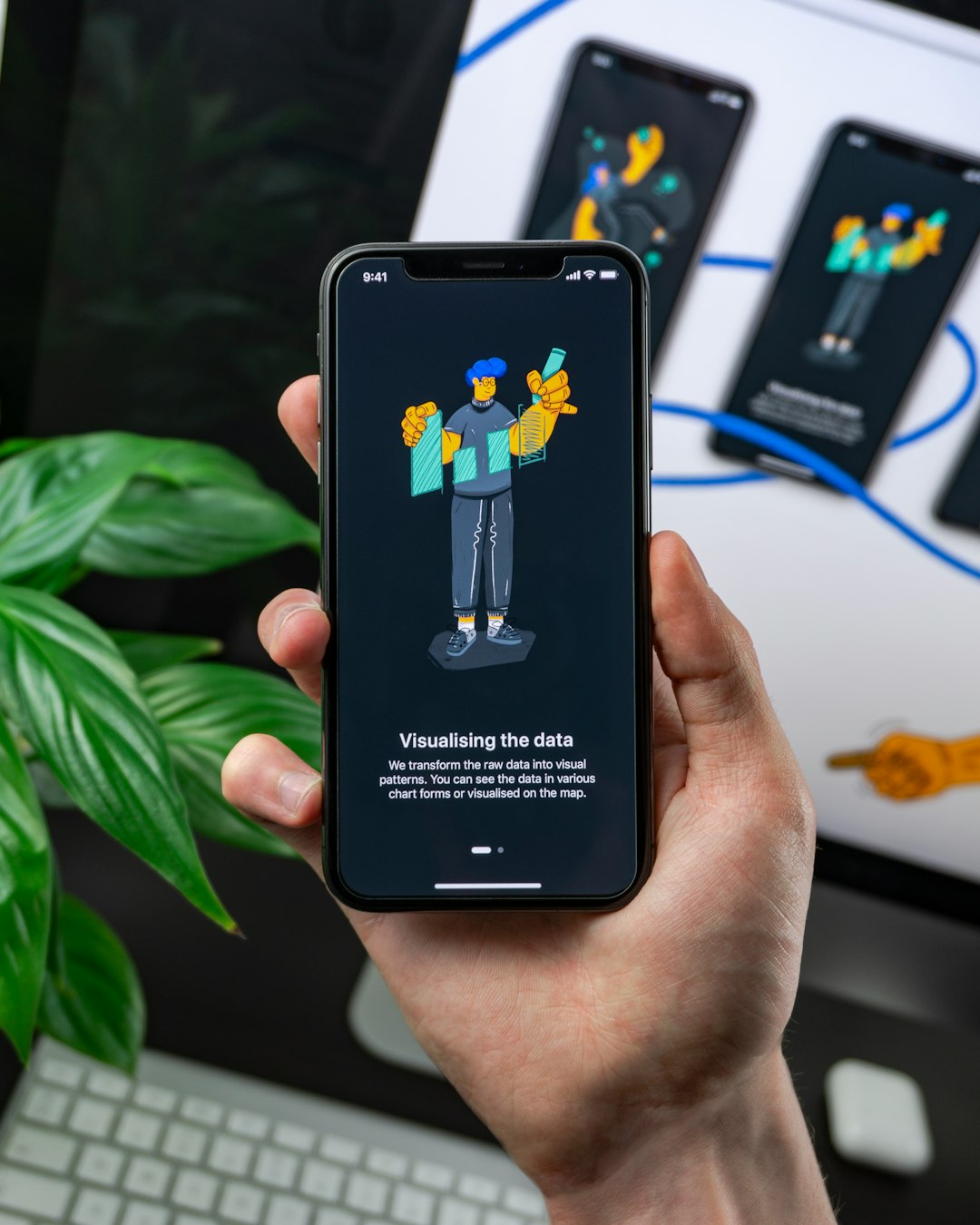
Building a museum app works best when the process follows a clear plan. Even user-friendly app builders require careful decisions about content, design, and visitor needs.
- Define the goal: The museum should decide whether the app is mainly for tours, education, accessibility, navigation, events, or all of these.
- Identify the audience: Families, tourists, local members, researchers, students, and international visitors may need different experiences.
- Choose core features: The team should begin with essential tools rather than launching with too many features at once.
- Create strong content: Text, audio, video, and images should be clear, accurate, and suited to mobile use.
- Design the structure: Navigation should be simple, with obvious paths to maps, tours, objects, and visitor information.
- Test with real users: Staff, members, families, accessibility consultants, and first-time visitors can reveal problems before launch.
- Launch and refine: After release, feedback and analytics should guide continuous improvement.
Common Mistakes to Avoid
Museum apps can fail when they are built around technology rather than visitor experience. One common mistake is including too much text. Mobile users usually prefer concise content with options to explore deeper. Another mistake is making navigation too complex. If visitors cannot find the map or tour quickly, they may stop using the app.
Museums should also avoid treating the app as a one-time project. Exhibitions change, visitor expectations evolve, and accessibility standards improve. A museum app should be maintained as an ongoing part of the institution’s public experience.
The Future of Museum App Experiences
As technology develops, museum app builders are likely to support more advanced experiences. Augmented reality, indoor positioning, artificial intelligence, multilingual automation, and personalized recommendations may become more common. However, the purpose will remain the same: helping visitors connect more deeply with collections and ideas.
The most effective museum apps will not be the ones with the most complicated technology. They will be the ones that understand visitors, respect the museum environment, and use digital tools to support curiosity. When a museum app builder is used thoughtfully, it can help institutions create experiences that are informative, accessible, emotional, and memorable.
FAQ
What is a museum app builder?
A museum app builder is a platform that helps museums create mobile applications or digital guides using ready-made tools, templates, and content management features. It allows institutions to add maps, tours, audio guides, exhibit information, multimedia, and interactive features without building everything from scratch.
Does every museum need an app?
Not every museum needs a full mobile app, but many museums can benefit from some form of digital visitor guide. The decision depends on audience needs, budget, exhibition style, and institutional goals.
What features should a museum app include?
The most useful features often include interactive maps, audio guides, exhibit pages, event information, accessibility support, multilingual content, QR code scanning, and visitor feedback tools.
How can a museum app improve visitor engagement?
A museum app can improve engagement by offering stories, audio, videos, quizzes, personalized tours, and deeper context. It helps visitors interact with collections in ways that match their interests and pace.
Is a museum app builder suitable for small museums?
Yes. Many small museums use app builders because they provide a more affordable and manageable alternative to custom app development. A small museum can start with a simple digital guide and expand over time.
How often should museum app content be updated?
Content should be reviewed regularly, especially when exhibitions, opening hours, events, or visitor services change. Keeping the app current helps maintain trust and encourages repeat use.









