














Artificial intelligence has changed photo editing from a slow, specialist workflow into a faster and more accessible creative process. Today’s best AI photo editors can remove backgrounds, improve lighting, restore detail, extend images, retouch portraits, and generate stylistic variations in minutes. For professionals, creators, marketers, and small businesses, the value is not just novelty; it is speed, consistency, and better control over visual quality.
TLDR: The best AI photo editor depends on your workflow: Adobe Photoshop and Lightroom remain strong professional choices, while Topaz Photo AI is excellent for sharpening, denoising, and upscaling. Luminar Neo, Canva, PhotoRoom, and Pixlr are strong options for faster creative edits, marketing images, and social media content. For serious results, choose a tool that combines automation with manual control, export quality, and reliable privacy practices.
What Makes an AI Photo Editor Worth Using?
A reliable AI photo editor should do more than apply dramatic filters. The best tools help users complete practical editing tasks faster while preserving image quality. When evaluating AI editors, it is helpful to look at several core factors:
- Accuracy: Does the tool detect subjects, faces, skies, backgrounds, and edges cleanly?
- Image quality: Does it preserve detail, color, and texture without making the image look artificial?
- Speed: Can it reduce repetitive editing work, especially for batches of images?
- Creative flexibility: Does it offer generative fill, style changes, relighting, or background replacement?
- Control: Can users manually refine AI decisions instead of accepting automatic results?
- Privacy and licensing: Are upload policies, cloud processing, and commercial usage terms clear?
AI editing is most effective when it supports judgment rather than replacing it. A serious editing workflow still requires taste, attention to detail, and consistency with the purpose of the image. The tools below stand out because they balance automation with practical control.
1. Adobe Photoshop: Best for Professional Creative Editing
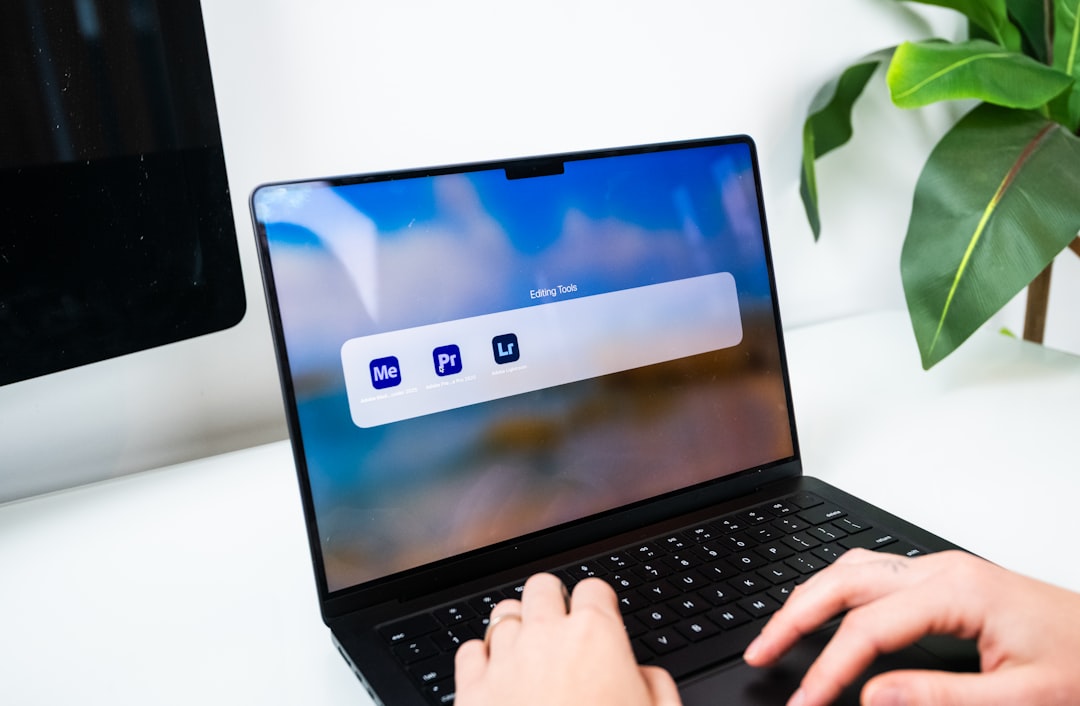
Adobe Photoshop remains one of the most complete choices for advanced photo editing. Its AI features, including generative fill, object removal, intelligent selections, neural filters, and content-aware tools, are especially useful for professionals who need both precision and creative range.
Photoshop is ideal for complex edits such as removing distracting elements, extending a background, combining multiple images, or retouching commercial photography. Its generative tools can produce impressive results, but the real advantage is that they sit inside a mature editing environment with layers, masks, adjustment tools, and professional file support.
Best for: photographers, designers, agencies, retouchers, and advanced creators.
Strengths: Excellent control, professional-grade editing, strong selection tools, high-quality compositing features.
Limitations: It has a learning curve and may be more than casual users need.
2. Adobe Lightroom: Best for Fast Photo Enhancement and Organization
Adobe Lightroom is a strong choice for photographers who need fast, consistent enhancements across many images. Its AI-powered masking can automatically identify subjects, skies, backgrounds, faces, eyes, lips, hair, and clothing. This makes selective editing much faster than traditional manual masking.
Lightroom is particularly useful for event photography, travel photography, portraits, food photography, and product images that need consistent color and exposure adjustments. The editing process feels less like graphic design and more like professional photo development. With presets, batch editing, and non-destructive adjustments, Lightroom is built for efficiency.
Best for: photographers and content creators who edit large image sets.
Strengths: Fast workflow, excellent color controls, smart masks, cloud syncing, strong organization tools.
Limitations: It is less suitable for complex image manipulation than Photoshop.
3. Topaz Photo AI: Best for Sharpening, Denoising, and Upscaling
Topaz Photo AI focuses on technical image improvement. It is especially strong at reducing noise, sharpening soft images, and enlarging photos while preserving detail. For photographers working with low-light images, older files, cropped photos, or images from small sensors, it can be a valuable part of the workflow.
The tool analyzes an image and recommends improvements, but users can adjust the level of processing. This is important because excessive sharpening or noise reduction can create an unnatural look. When used carefully, Topaz Photo AI can rescue images that might otherwise be difficult to publish or print.
Best for: photographers, archivists, print creators, and anyone improving image resolution or clarity.
Strengths: Excellent upscaling, strong noise reduction, effective sharpening, useful for older or imperfect images.
Limitations: It is more focused on enhancement than full creative editing.
4. Luminar Neo: Best for Creative Enhancements with Simple Controls
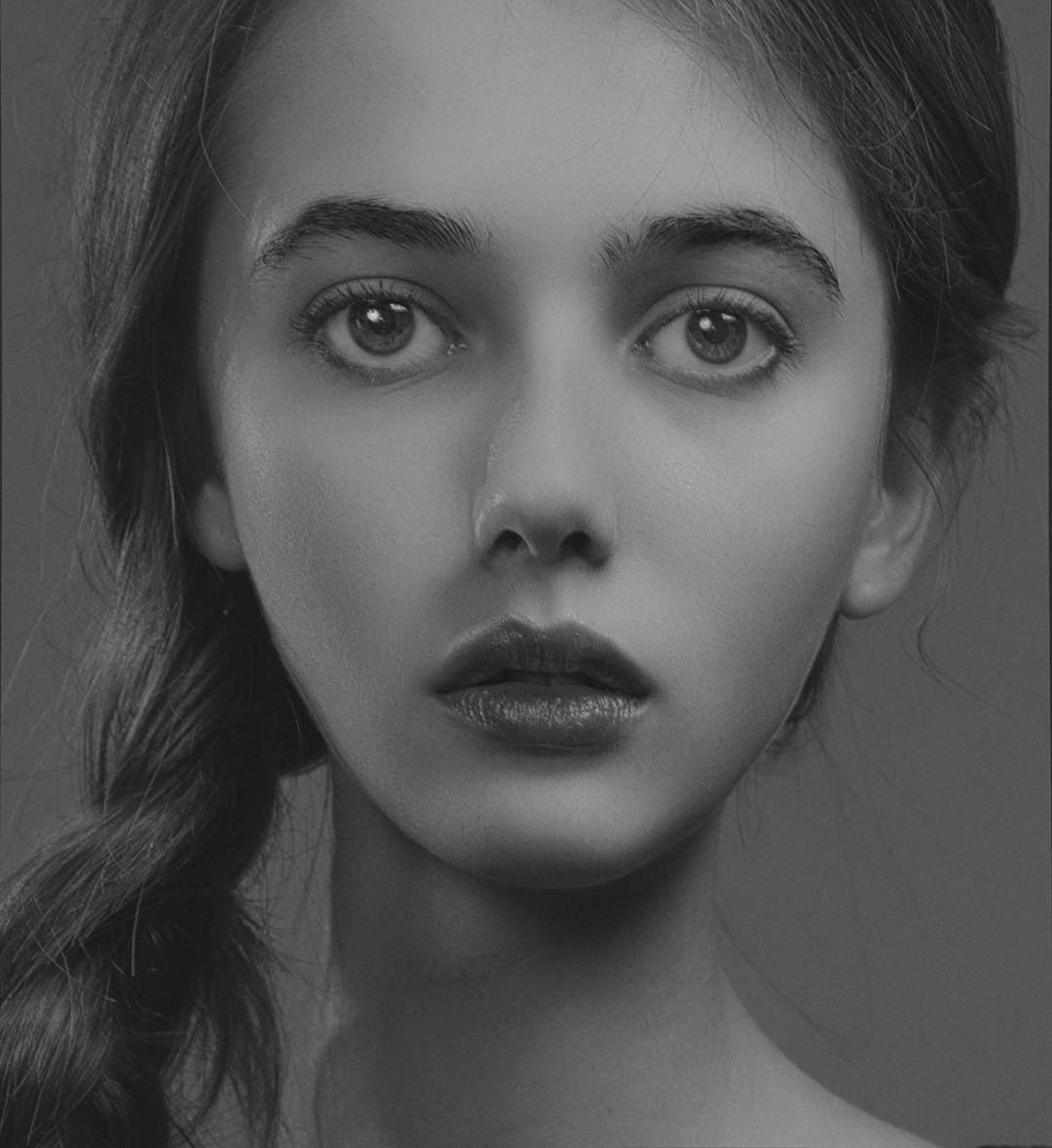
Luminar Neo is designed for users who want powerful visual improvements without the complexity of traditional professional software. Its AI tools can enhance skies, relight scenes, smooth skin, improve portrait features, remove objects, and add atmosphere to landscapes.
Luminar Neo is particularly appealing because many of its controls are easy to understand. Instead of requiring detailed technical knowledge, it presents sliders and presets that produce visible results quickly. This can be useful for photographers who want creative enhancements but do not want to spend hours on manual adjustments.
Best for: enthusiast photographers, portrait editors, landscape creators, and social media professionals.
Strengths: User-friendly interface, strong creative filters, effective portrait and landscape tools.
Limitations: Some effects can look overdone if applied heavily, so moderation is important.
5. Canva: Best for Quick Marketing and Social Media Images
Canva is not a traditional photo editor in the same category as Photoshop or Lightroom, but it is highly useful for fast design-oriented image enhancement. Its AI features can remove backgrounds, adjust images, generate design elements, expand images, and help create social media posts, presentations, thumbnails, banners, and ads.
Canva’s biggest advantage is speed. A user can upload a photo, clean up the background, place it inside a branded layout, add text, and export a finished graphic quickly. This makes it practical for small teams, educators, marketers, and creators who need polished visuals without a dedicated design department.
Best for: marketers, social media managers, small businesses, educators, and non-designers.
Strengths: Very easy to use, strong templates, fast background removal, good for branded content.
Limitations: It offers less deep photo control than professional editing suites.
6. PhotoRoom: Best for Product Photos and Background Removal
PhotoRoom is one of the most practical AI tools for ecommerce and product-focused visuals. It specializes in removing backgrounds, creating clean product images, generating new backgrounds, and preparing marketplace-ready photos.
For online sellers, speed and consistency are essential. Product photos need to look clean, clear, and trustworthy. PhotoRoom helps create a consistent visual style even when images were taken in different environments. It is particularly valuable for sellers managing many product listings.
Best for: ecommerce sellers, marketplace vendors, product marketers, and small business owners.
Strengths: Fast background removal, product-focused templates, simple workflow, useful batch features.
Limitations: It is specialized and may not replace a full photo editor for broader creative work.
7. Pixlr: Best Browser-Based AI Editing
Pixlr is a convenient browser-based editor that combines familiar editing tools with AI-powered features. It can handle background removal, object removal, generative image tools, filters, overlays, and basic design work. Because it runs in the browser, it is useful for people who need quick edits without installing large software.
Pixlr is a sensible option for students, casual creators, bloggers, and businesses that need lightweight editing. It may not match the depth of Photoshop, but it provides a practical balance between accessibility and capability.
Best for: casual users, content creators, students, and quick online editing tasks.
Strengths: Browser access, simple interface, useful AI tools, quick exports.
Limitations: Performance and advanced control may be limited compared with desktop software.
8. Picsart: Best for Creative Social Content
Picsart is widely used for mobile-first creative editing. It includes AI background tools, object removal, image generation, filters, stickers, templates, and effects. It is especially effective for social media visuals where speed, style, and experimentation matter.
This tool is less about perfect photographic realism and more about producing eye-catching content. For creators who regularly publish on platforms where bold visuals perform well, Picsart can be a useful creative companion.
Best for: social media creators, influencers, mobile editors, and visual experimenters.
Strengths: Strong mobile workflow, many creative effects, fast content production.
Limitations: Some results can look casual or heavily stylized, which may not suit formal brand imagery.
How to Choose the Right AI Photo Editor
The right tool depends on the type of images you produce and the standards you need to meet. A professional photographer may need Lightroom for batch editing, Photoshop for retouching, and Topaz Photo AI for technical enhancement. A small ecommerce seller may get more value from PhotoRoom. A marketing team may prefer Canva because it combines image editing with layout design.
Before committing to a platform, consider the following questions:
- What is the main task? Retouching, background removal, product photos, social media graphics, restoration, or creative manipulation?
- How many images will you edit? Batch editing features matter when dealing with large volumes.
- Do you need print-quality output? Resolution, color handling, and export formats become more important.
- How much control do you require? Professional work often needs layers, masks, and manual refinement.
- Will the images be used commercially? Review licensing terms, especially for generative AI features.
Important Limitations of AI Photo Editing
AI photo editors are powerful, but they are not flawless. They may misinterpret edges, create unrealistic textures, alter faces too aggressively, or generate details that were not present in the original image. For journalism, documentary work, legal evidence, or any context where authenticity matters, heavy AI alteration should be disclosed or avoided.
It is also important to watch for overprocessing. Excessive skin smoothing, extreme sharpening, unrealistic skies, or artificial lighting can reduce credibility. The best results often come from subtle improvements that support the original image rather than overpowering it.
Privacy is another serious consideration. Some tools process images in the cloud, which means files are uploaded to external servers. Businesses working with client images, confidential products, or unreleased campaigns should review data policies carefully before using any AI editing platform.
Final Recommendation
For the most complete professional workflow, Adobe Photoshop and Adobe Lightroom remain leading choices. For technical improvement, Topaz Photo AI is one of the strongest options. For creative edits with less complexity, Luminar Neo is highly practical. For business, ecommerce, and social content, Canva, PhotoRoom, Pixlr, and Picsart each serve clear and useful purposes.
The best AI photo editor is not necessarily the one with the longest feature list. It is the one that helps you produce better images faster while maintaining control, consistency, and credibility. Used responsibly, AI photo editing can be a serious advantage for anyone who depends on strong visuals.